REGISTER AND WAIT FOR YOUR ACCOUNT TO BE ACTIVATED, OR LOG IN IF YOU ARE ALREADY A CUSTOMER TO VIEW PRICES AND MAKE PURCHASES.

Products

Smartphone Parts & Accessories – Wide Selection at EL-Hope

At EL-Hope, you’ll find a vast selection of replacement parts and accessories for smartphones and tablets from leading brands. We offer original and compatible components for iPhone, Samsung, Xiaomi, and many other models – perfect for repair technicians and resellers.

EL-Hope – Your trusted partner for smartphone repairs and wholesale solutions in Europe.

Products

Active filters

  • Brand: Apple
  • Brand: OPPO
  • Brand: VODAFONE

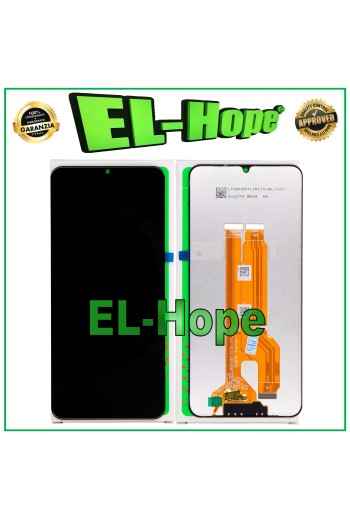
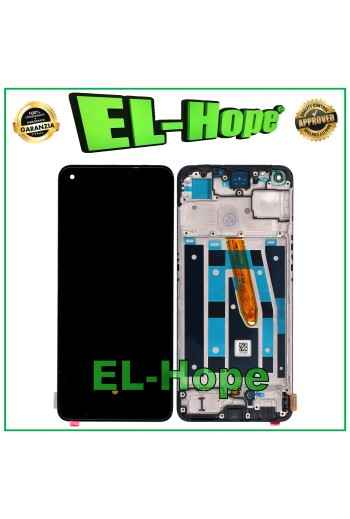
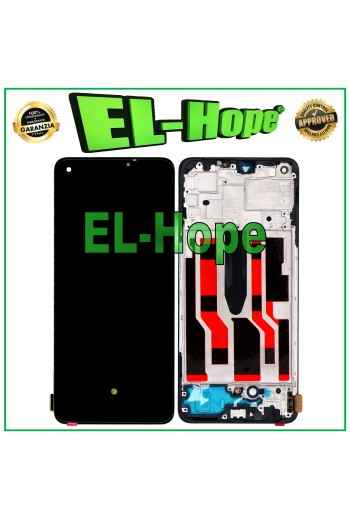
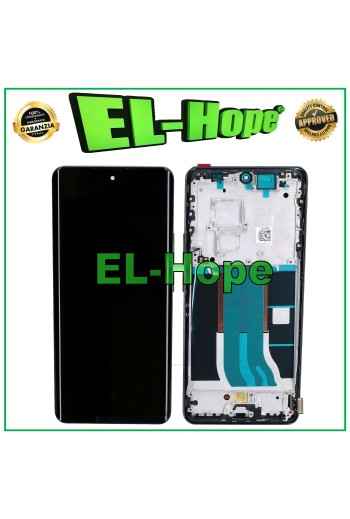
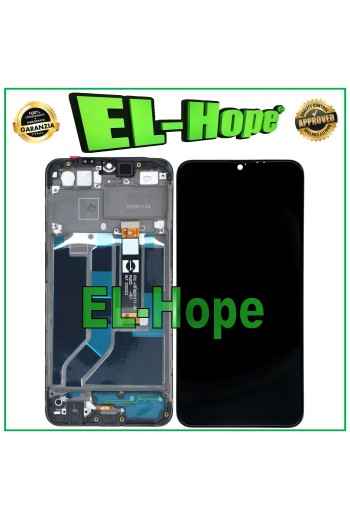
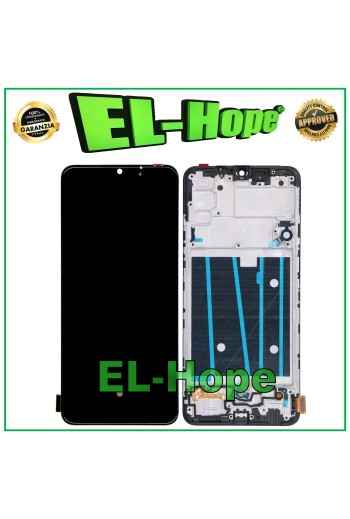
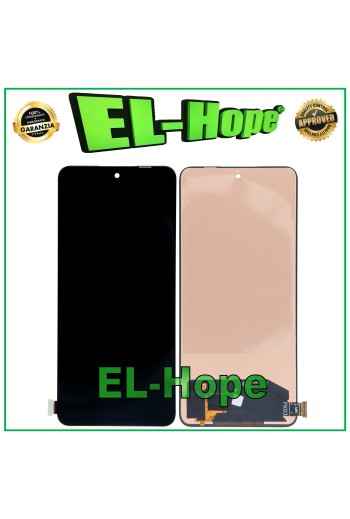
TOUCH LCD DISPLAY EQUAL ORIGINAL SERVICE OPPO REALME C61 RMX3930 /C63 4G RMX3939

LCD TOUCH DISPLAY PARI ORIGINAL SERVICE OPPO REALME C61 RMX3930 / C63 4G RMX3939 COLOR: BLACK Features and technical specifications: - TFT screen WITHOUT FRAME - Perfect fit digitizing flex - Anti-dust net - Specific for OPPO REALME C61 RMX3930 / C63 4G RMX393 - PARI ORIGINAL product IN SERVICE PACK - Backlighting: ADJUSTABLE - Installation by a professional in the sector is recommended DO NOT REMOVE THE FILMS BEFORE TESTING THE PIECE, PENALTY WILL LOSE THE WARRANTY

iTruColor INCELL LCD DISPLAY FOR APPLE IPHONE 16 PLUS TOUCH SCREEN GLASS SCREEN

NB: WITH THE REPLACEMENT PART IN QUESTION THE PROXIMITY SENSOR FUNCTION IS LOST. iTruColor INCELL LCD DISPLAY FOR APPLE IPHONE 16 PLUS TOUCH SCREEN GLASS SCREEN COLOR: BLACK ORIGINAL iTruColor HD+ INCELL ...USEFUL TIPS TO KNOW... ?An incorrect installation can easily cause problems with the device, therefore: Remember to correctly connect the light sensor / proximity sensor flat cable to the motherboard; otherwise the device will start to restart automatically for 1-5 minutes.??? Remember to ALWAYS turn off your mobile phone before replacing and installing the display; not doing so could cause touch problems or display malfunctions such as flickering or image artifacts. Remember, once you have carried out all the tests and made sure that the replacement part works correctly, remove the protective film on the back of the screen to prevent the latter from pressing against the display, causing touch problems. Remember to disconnect the battery contact before carrying out any type of intervention.