













There are 3169 products.
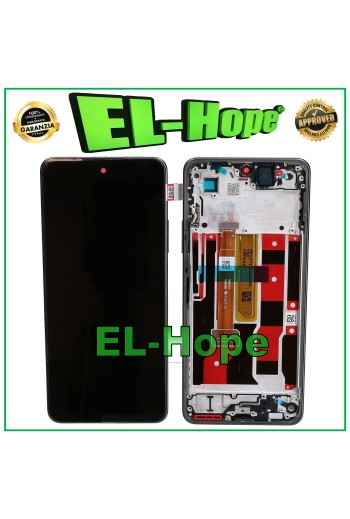
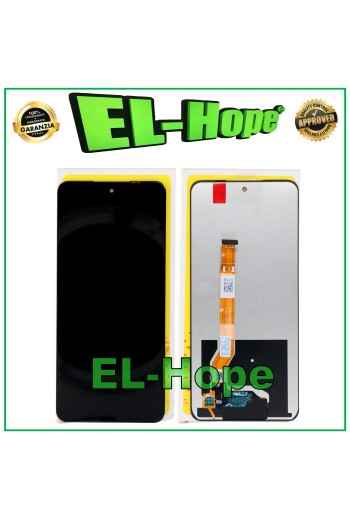
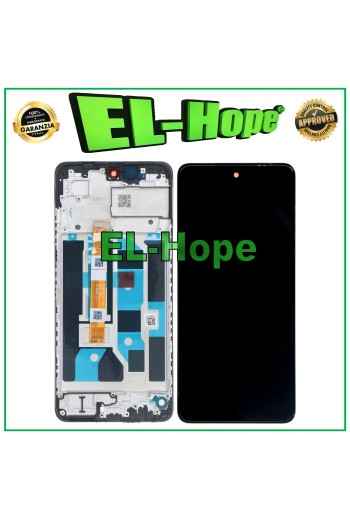
TOUCH LCD DISPLAY EQUAL ORIGINAL SERVICE OPPO REALME C65 RMX3910 4G
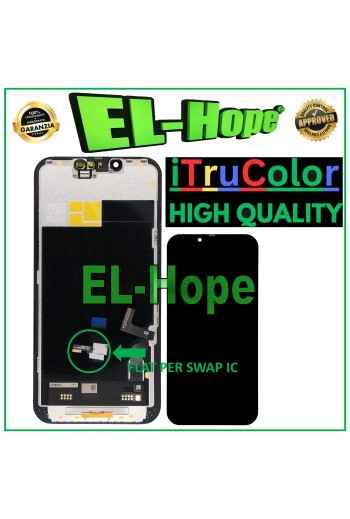
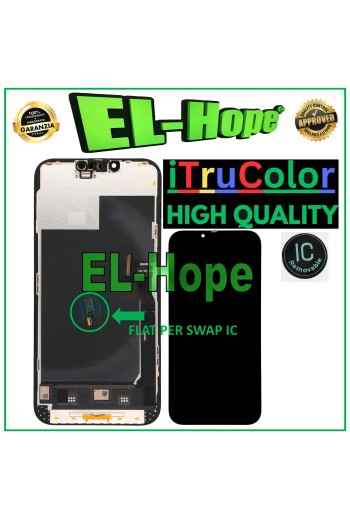
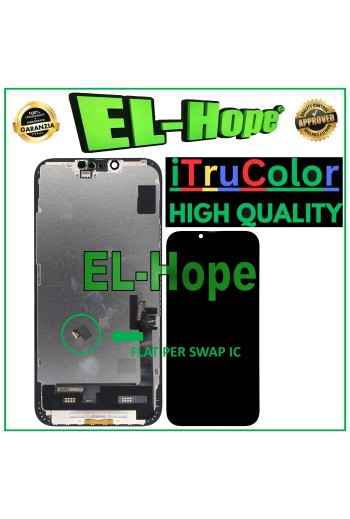
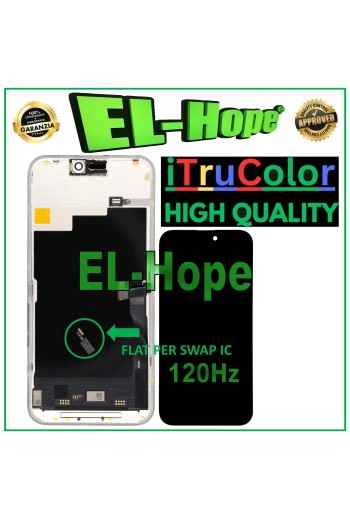
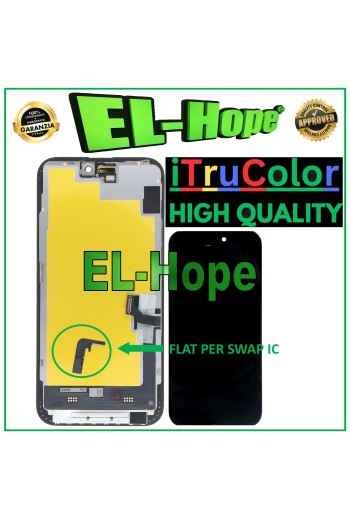
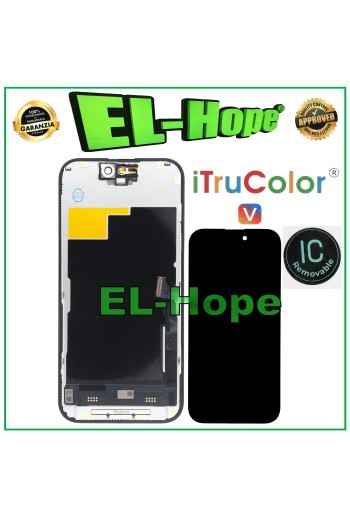
iTruColor SOFT OLED PREMIUM LCD DISPLAY FOR APPLE IPHONE 15 PLUS TOUCH SCREEN
NB: WITH THE REPLACEMENT PART IN QUESTION IT IS POSSIBLE TO REMOVE THE POP-UP ERROR MESSAGE. IT IS THEREFORE NECESSARY TO MIGRATE THE ORIGINAL IC CHIP FROM THE OLD DISPLAY AND SOLDER IT TO THE FLAT THAT YOU WILL FIND INCLUDED AS HIGHLIGHTED IN THE PHOTO. iTruColor SOFT OLED PREMIUM LCD DISPLAY FOR APPLE IPHONE 15 PLUS TOUCH SCREEN COLOR: BLACK ORIGINAL iTruColor HIGH-END QUALITY SOFT OLED ...USEFUL TIPS TO KNOW... ?An incorrect installation can easily cause problems with the device, therefore: Remember to correctly connect the light sensor / proximity sensor flat cable to the motherboard; otherwise the device will start to restart automatically for 1-5 minutes.??? Remember to ALWAYS turn off your mobile phone before replacing and installing the display; Failure to do so may cause touch screen issues or display malfunctions, such as flickering or image artifacts. Once you ve performed all the tests and ensured the replacement part is working properly, remember to remove the protective film from the back of the screen to prevent it from pressing against the display, causing touch screen issues. Remember to disconnect the battery contact before performing any type of repair.
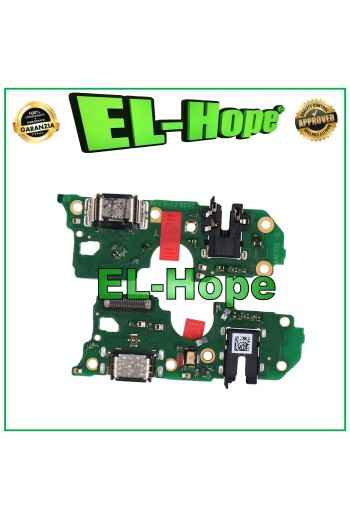
CHARGING CONNECTOR FOR OPPO A79 5G CPH2553 CHARGING DOCK HEADPHONE JACK MICROPHONE
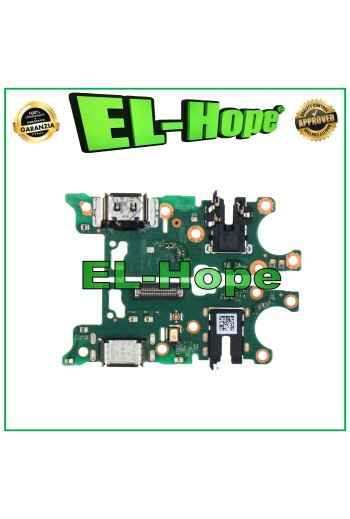
CHARGING CONNECTOR FOR OPPO REALME NOTE 60 RMX3933 CHARGING DOCK MICROPHONE
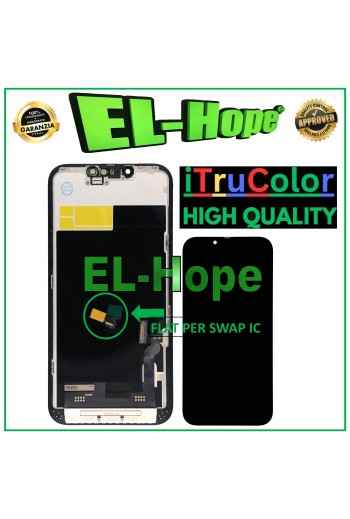
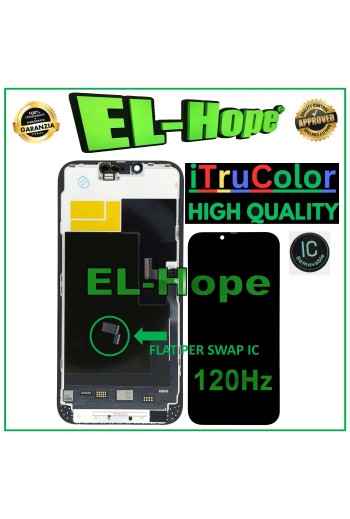
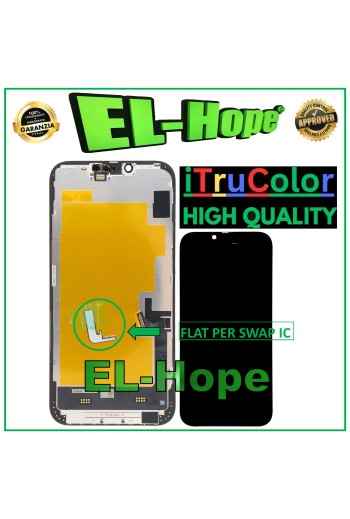
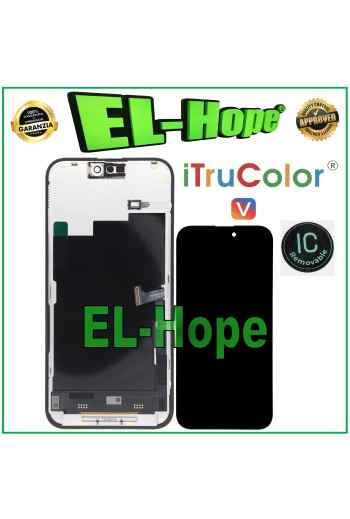
iTruColor HARD OLED LCD DISPLAY FOR APPLE IPHONE 15 PRO TOUCH GLASS SCREEN
ATTENTION: WITH THE REPLACEMENT PART IN QUESTION IT IS POSSIBLE TO REMOVE THE POP-UP ERROR MESSAGE. IT IS THEREFORE NECESSARY TO MIGRATE THE ORIGINAL IC CHIP FROM THE OLD DISPLAY AND SOLDER IT TO THE FLAT THAT YOU WILL FIND INCLUDED AS HIGHLIGHTED IN THE PHOTO. iTruColor HARD OLED LCD DISPLAY FOR APPLE IPHONE 15 PRO TOUCH SCREEN GLASS COLOR: BLACK ORIGINAL iTruColor Oled Series QUALITY HARD OLED ...USEFUL TIPS TO KNOW... ?An incorrect installation can easily cause problems with the device, therefore: Remember to correctly connect the light sensor / proximity sensor flat cable to the motherboard; otherwise the device will start to restart automatically for 1-5 minutes.??? Remember to ALWAYS turn off your mobile phone before replacing and installing the display; Failure to do so may cause touch screen issues or display malfunctions, such as flickering or image artifacts. Once you ve performed all the tests and ensured the replacement part is working properly, remember to remove the protective film from the back of the screen to prevent it from pressing against the display, causing touch screen issues. Remember to disconnect the battery contact before performing any type of repair.