













There are 1890 products.
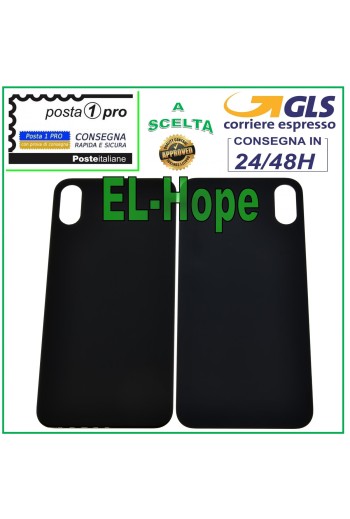
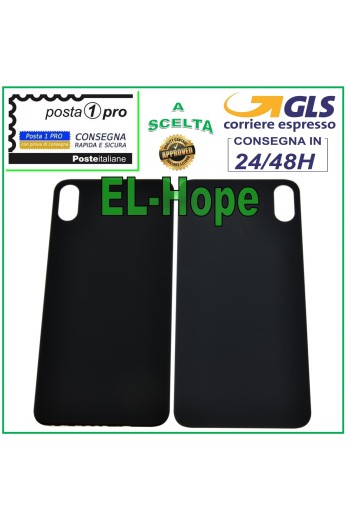
GLASS BACK BODY BATTERY COVER FOR APPLE IPHONE XS BACK COVER BLACK
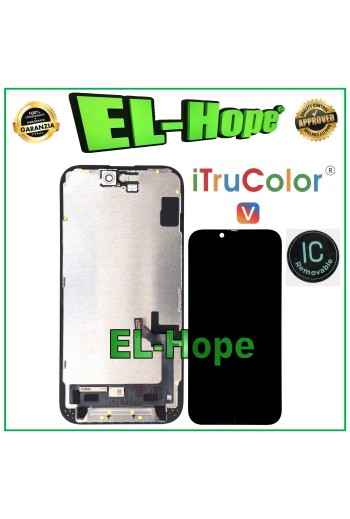
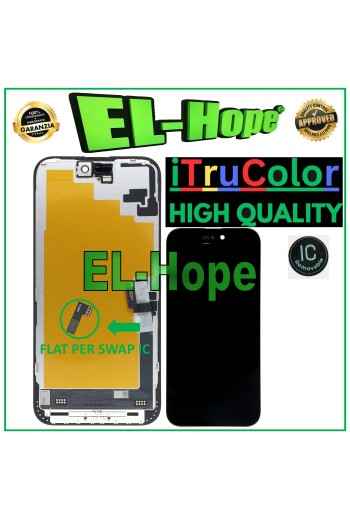
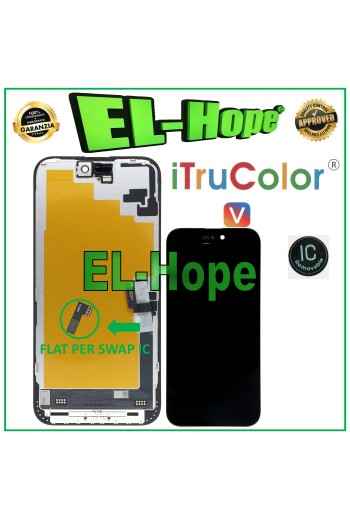
iTruColor HD INCELL LCD DISPLAY FOR APPLE IPHONE 17E TOUCH SCREEN GLASS SCREEN
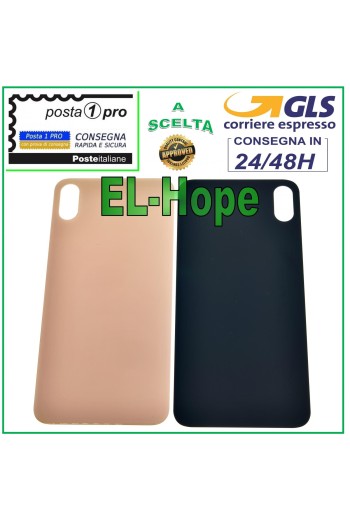
GLASS BACK BODY BATTERY COVER FOR APPLE IPHONE XS MAX COVER PINK GOLD
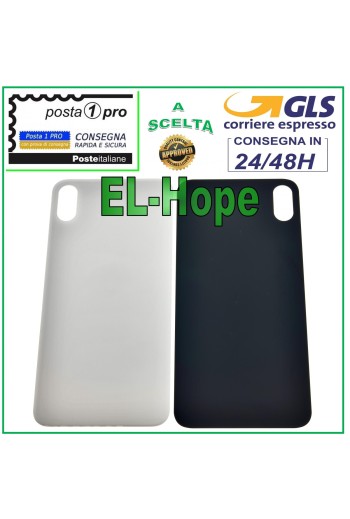
GLASS BACK BODY BATTERY COVER FOR APPLE IPHONE XS MAX BACK COVER WHITE
GLASS BACK BODY BATTERY COVER FOR APPLE IPHONE XS MAX COVER BLACK
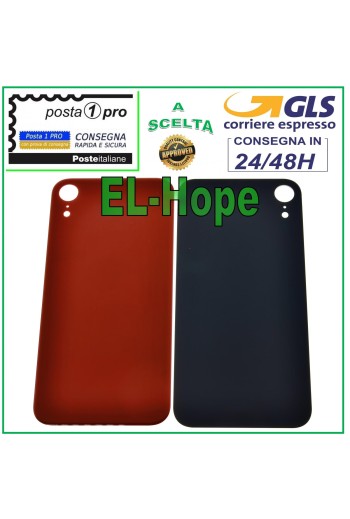
GLASS BACK BODY BATTERY COVER FOR APPLE IPHONE XR BACK CASE COVER RED
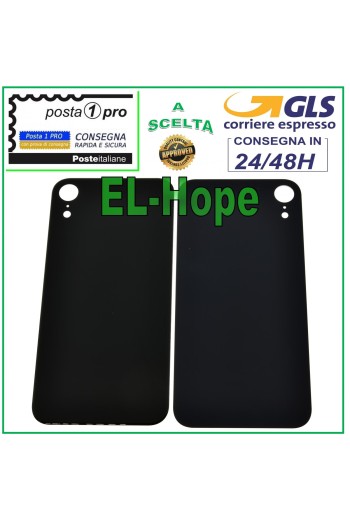
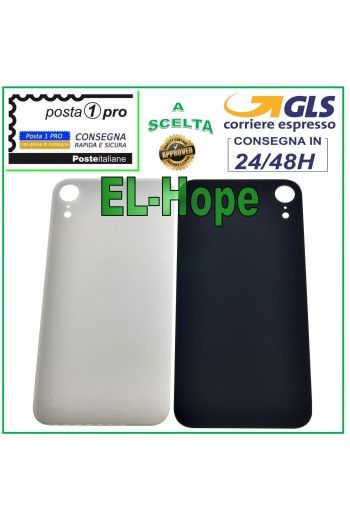
GLASS BACK BODY BATTERY COVER FOR APPLE IPHONE XR BACK COVER BLACK
GLASS BACK BODY BATTERY COVER FOR APPLE IPHONE XR BACK COVER WHITE
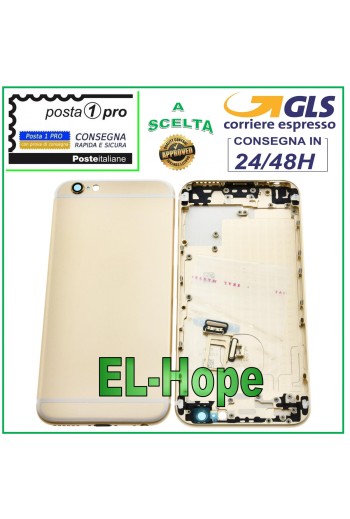
BACK CASE FRAME FOR APPLE IPHONE 6 6G BACK CASE COVER GOLD
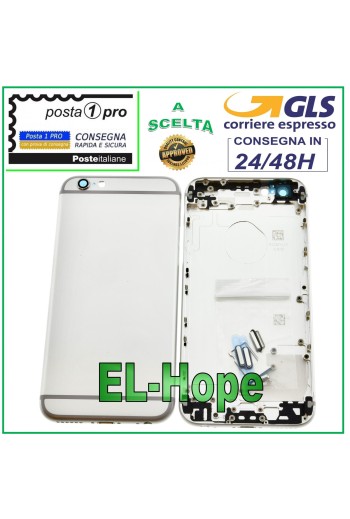
BACK CASE FRAME FOR APPLE IPHONE 6 BACK CASE COVER WHITE
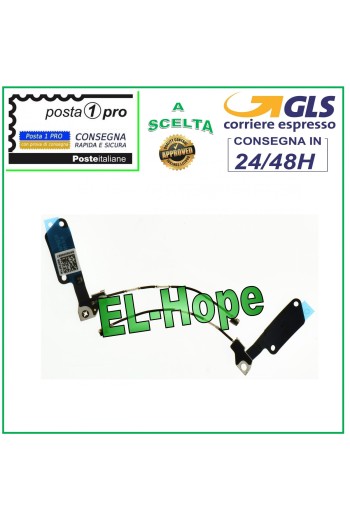
FLAT FLEX ANTENNA FOR APPLE IPHONE 7 7G WI-FI SIGNAL BLUETOOTH WIRELESS WIFI
iTruColor SOFT OLED LCD DISPLAY FOR APPLE IPHONE 16 PLUS TOUCH SCREEN GLASS
LCD DISPLAY iTruColor SOFT OLED FOR APPLE IPHONE 16 PLUS TOUCH GLASS SCREEN COLOR: BLACK ORIGINAL iTruColor High-End SOFT OLED ...USEFUL TIPS TO KNOW... ?An incorrect installation can easily cause problems with the device, therefore: Remember to correctly connect the light sensor / proximity sensor flat cable to the motherboard; otherwise the device will start to restart automatically for 1-5 minutes.??? Remember to ALWAYS turn off your mobile phone before replacing and installing the display; not doing so could cause touch problems or display malfunctions such as flickering or image artifacts. Remember, once you have carried out all the tests and made sure that the replacement works correctly, remove the protective film on the back of the screen to prevent the latter from pressing against the display, causing touch problems. Remember to disconnect the battery contact before carrying out any type of intervention.
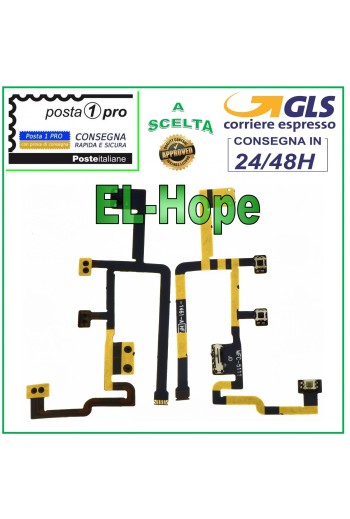
FLAT FLEX MUTE BUTTON POWER ON/OFF VOLUME KEYS IPAD 2 OEM VERSION 2012
iTruColor INCELL LCD DISPLAY FOR APPLE IPHONE 16 PLUS TOUCH SCREEN GLASS SCREEN
NB: WITH THE REPLACEMENT PART IN QUESTION THE PROXIMITY SENSOR FUNCTION IS LOST. iTruColor INCELL LCD DISPLAY FOR APPLE IPHONE 16 PLUS TOUCH SCREEN GLASS SCREEN COLOR: BLACK ORIGINAL iTruColor HD+ INCELL ...USEFUL TIPS TO KNOW... ?An incorrect installation can easily cause problems with the device, therefore: Remember to correctly connect the light sensor / proximity sensor flat cable to the motherboard; otherwise the device will start to restart automatically for 1-5 minutes.??? Remember to ALWAYS turn off your mobile phone before replacing and installing the display; not doing so could cause touch problems or display malfunctions such as flickering or image artifacts. Remember, once you have carried out all the tests and made sure that the replacement part works correctly, remove the protective film on the back of the screen to prevent the latter from pressing against the display, causing touch problems. Remember to disconnect the battery contact before carrying out any type of intervention.