There are 2295 products.
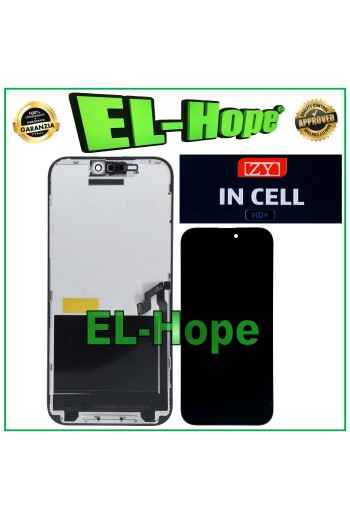
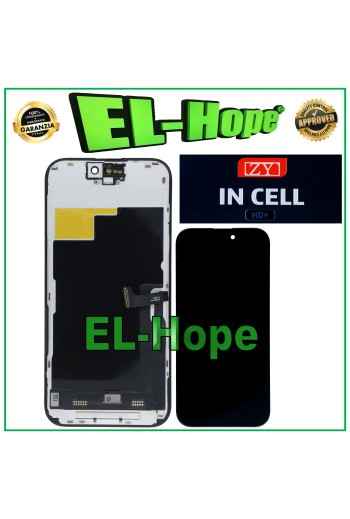
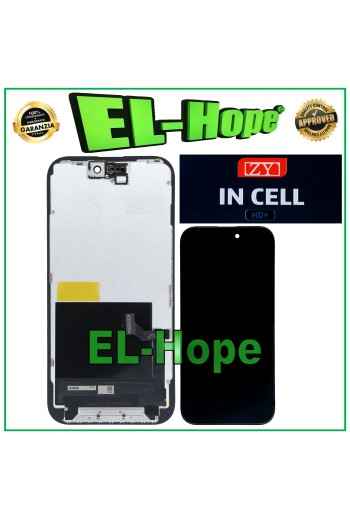
iTruColor SOFT OLED 120Hz LCD DISPLAY FOR APPLE IPHONE 15 PRO TOUCH GLASS
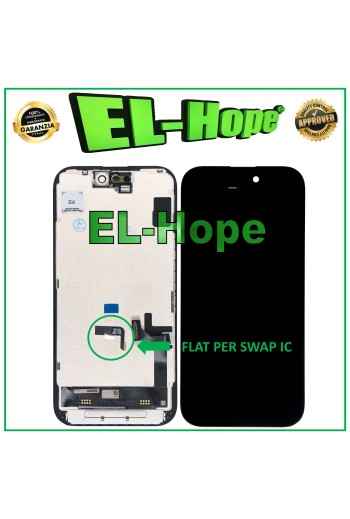
ATTENTION: WITH THE REPLACEMENT PART IN QUESTION IT IS POSSIBLE TO REMOVE THE POP-UP ERROR MESSAGE. IT IS THEREFORE NECESSARY TO MIGRATE THE ORIGINAL IC CHIP FROM THE OLD DISPLAY AND SOLDER IT TO THE FLAT THAT YOU WILL FIND INCLUDED AS HIGHLIGHTED IN THE PHOTO. iTruColor SOFT OLED LCD DISPLAY FOR APPLE IPHONE 15 PRO TOUCH SCREEN GLASS COLOR: BLACK ORIGINAL iTruColor QUALITY Premium High-End SOFT OLED 120Hz ...USEFUL TIPS TO KNOW... An incorrect installation can easily cause problems with the device, therefore: Remember to correctly connect the light sensor / proximity sensor flat cable to the motherboard; otherwise the device will start to restart automatically for 1-5 minutes. Remember to ALWAYS turn off your mobile phone before replacing and installing the display; Failure to do so may cause touch screen issues or display malfunctions, such as flickering or image artifacts. Once you ve performed all the tests and ensured the replacement part is working properly, remember to remove the protective film from the back of the screen to prevent it from pressing against the display, causing touch screen issues. Remember to disconnect the battery contact before performing any type of repair.
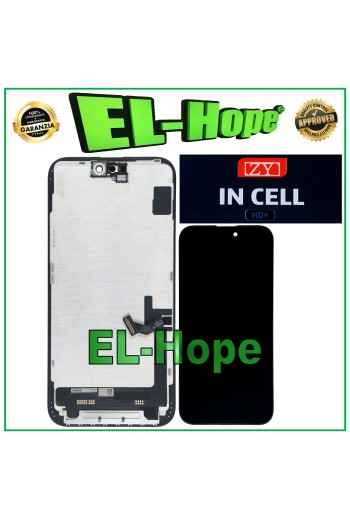
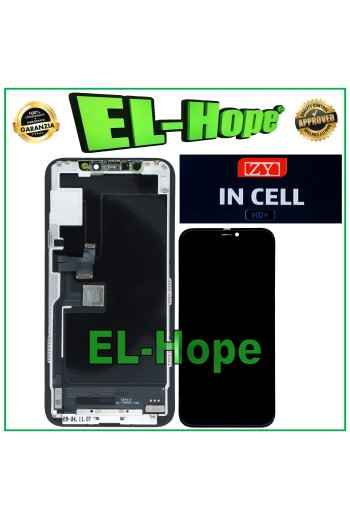
iTruColor SOFT OLED LCD DISPLAY FOR APPLE IPHONE 15 TOUCH SCREEN GLASS SCREEN
ATTENTION: WITH THE REPLACEMENT PART IN QUESTION IT IS POSSIBLE TO REMOVE THE POP-UP ERROR MESSAGE. IT IS THEREFORE NECESSARY TO MIGRATE THE ORIGINAL IC CHIP FROM THE OLD DISPLAY AND SOLDER IT TO THE FLAT THAT YOU WILL FIND INCLUDED AS HIGHLIGHTED IN THE PHOTO. iTruColor SOFT OLED LCD DISPLAY FOR APPLE IPHONE 15 TOUCH SCREEN GLASS COLOR: BLACK ORIGINAL iTruColor QUALITY Premium High-End SOFT OLED ...USEFUL TIPS TO KNOW... An incorrect installation can easily cause problems with the device, therefore: Remember to correctly connect the light sensor / proximity sensor flat cable to the motherboard; otherwise the device will start to restart automatically for 1-5 minutes. Remember to ALWAYS turn off your mobile phone before replacing and installing the display; Failure to do so may cause touch screen issues or display malfunctions, such as flickering or image artifacts. Once you ve performed all the tests and ensured the replacement part is working properly, remember to remove the protective film from the back of the screen to prevent it from pressing against the display, causing touch screen issues. Remember to disconnect the battery contact before performing any type of repair.
iTruColor SOFT OLED LCD DISPLAY FOR APPLE IPHONE 16 PRO TOUCH GLASS SCREEN
NB: WITH THE REPLACEMENT PART IN QUESTION IT IS POSSIBLE TO REMOVE THE POP-UP ERROR MESSAGE. IT IS THEREFORE NECESSARY TO MIGRATE THE ORIGINAL IC CHIP FROM THE OLD DISPLAY AND SOLDER IT TO THE FLAT THAT YOU WILL FIND INCLUDED AS HIGHLIGHTED IN THE PHOTO. iTruColor SOFT OLED LCD DISPLAY FOR APPLE IPHONE 16 PRO TOUCH SCREEN GLASS COLOR: BLACK ORIGINAL iTruColor High-End SOFT OLED ...USEFUL TIPS TO KNOW... An incorrect installation can easily cause problems with the device, therefore: Remember to correctly connect the light sensor / proximity sensor flat cable to the motherboard; otherwise the device will start to restart automatically for 1-5 minutes.??? Remember to ALWAYS turn off your mobile phone before replacing and installing the display; Failure to do so may cause touch screen issues or display malfunctions, such as flickering or image artifacts. Once you ve performed all the tests and ensured the replacement part is working properly, remember to remove the protective film from the back of the screen to prevent it from pressing against the display, causing touch screen issues. Remember to disconnect the battery contact before performing any type of repair.
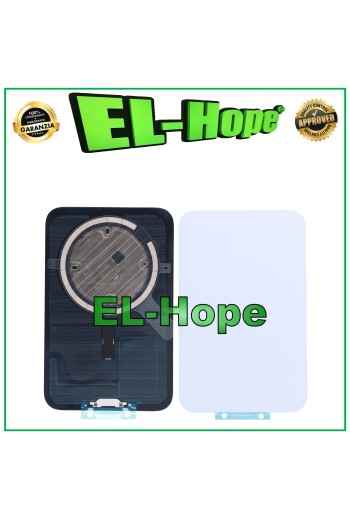
GLASS BACK CASE + MAGSAFE FOR IPHONE 17 PRO MAX COSMIC ORANGE
GLASS BACK CASE + MAGSAFE FOR IPHONE 17 PRO MAX COLOR: COSMIC ORANGE PRODUCT WITHOUT APPLE LOGO QUALITY A+++
GLASS BACK CASE + MAGSAFE FOR IPHONE 17 PRO BACK COVER SILVER
GLASS BACK CASE + MAGSAFE FOR IPHONE 17 PRO COLOR: SILVER PRODUCT WITHOUT APPLE LOGO QUALITY A+++
GLASS BACK COVER CASE + MAGSAFE FOR IPHONE 17 PRO MAX BLUE
GLASS BACK CASE + MAGSAFE FOR IPHONE 17 PRO MAX COLOR: BLUE PRODUCT WITHOUT APPLE LOGO QUALITY A+++
GLASS BACK CASE + MAGSAFE FOR IPHONE 17 PRO BACK COVER DEEP BLUE
GLASS BACK CASE + MAGSAFE FOR IPHONE 17 PRO COLOR: DEEP BLUE PRODUCT WITHOUT APPLE LOGO QUALITY A+++
GLASS BACK CASE + MAGSAFE FOR IPHONE 17 PRO BACK COVER ORANGE
GLASS BACK CASE + MAGSAFE FOR IPHONE 17 PRO COLOR: COSMIC ORANGE PRODUCT WITHOUT APPLE LOGO QUALITY A+++

GLASS BACK COVER CASE + MAGSAFE FOR IPHONE 17 PRO MAX SILVER
GLASS BACK CASE + MAGSAFE FOR IPHONE 17 PRO MAX COLOR: SILVER PRODUCT WITHOUT APPLE LOGO QUALITY A+++

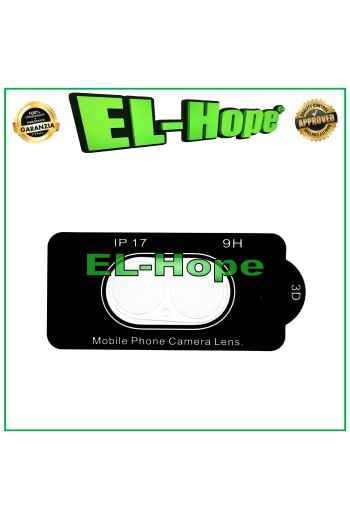
TEMPERED GLASS CAMERA LENS PROTECTOR FOR IPHONE 17 GLASS LENS CAMERA
TEMPERED GLASS CAMERA LENS PROTECTOR FOR IPHONE 17 GLASS LENS CAMERA QUALITY A+++
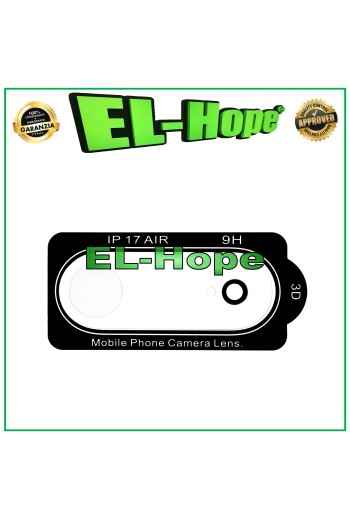
TEMPERED GLASS CAMERA LENS PROTECTOR FOR IPHONE 17 AIR GLASS CAMERA LENS
TEMPERED GLASS CAMERA LENS PROTECTOR FOR IPHONE 17 AIR GLASS CAMERA LENS QUALITY A+++
TEMPERED GLASS CAMERA LENS PROTECTOR FOR IPHONE 17 PRO GLASS LENS CAMERA
TEMPERED GLASS CAMERA LENS PROTECTOR FOR IPHONE 17 PRO GLASS LENS CAMERA QUALITY A+++
TEMPERED GLASS CAMERA LENS PROTECTION FOR IPHONE 17 PRO MAX GLASS CAMERA
TEMPERED GLASS CAMERA LENS PROTECTOR FOR IPHONE 17 PRO MAX GLASS LENS CAMERA QUALITY A+++
SOFT OLED LCD DISPLAY FOR APPLE IPHONE 15 TOUCH SCREEN GLASS GX ORIGINAL
NB: WITH THE REPLACEMENT PART IN QUESTION IT IS POSSIBLE TO REMOVE THE POP-UP ERROR MESSAGE. IT IS THEREFORE NECESSARY TO MIGRATE THE ORIGINAL IC CHIP FROM THE OLD DISPLAY AND SOLDER IT TO THE FLAT THAT YOU WILL FIND INCLUDED AS HIGHLIGHTED IN THE PHOTO. SOFT OLED LCD DISPLAY FOR APPLE IPHONE 15 TOUCH SCREEN ORIGINAL GX SCREEN COLOR: BLACK ORIGINAL GX SOFT OLED QUALITY NB: BY THE WORD ORIGINAL WE MEANT THE GX BRAND OF THE PRODUCT, THEREFORE NOT ORIGINAL APPLE !! ...USEFUL TIPS TO KNOW... ?An incorrect installation can easily cause problems with the device, therefore: Remember to correctly connect the light sensor / proximity sensor flat cable to the motherboard; Otherwise, the device will automatically restart for 1-5 minutes. Remember to ALWAYS turn off your phone before replacing and installing the display; failing to do so could cause touch screen issues or display malfunctions such as flickering or image artifacts. Once you ve performed all the tests and ensured the replacement is working properly, remember to remove the protective film on the back of the screen to prevent it from pressing against the display, causing touch screen issues. Remember to disconnect the battery contact before performing any type of intervention.
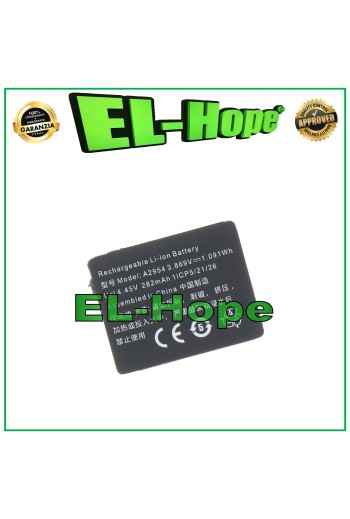
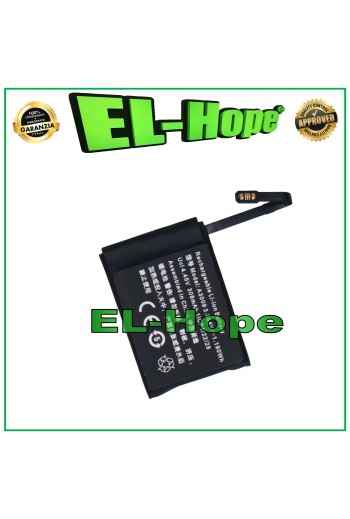
A2954 BATTERY FOR APPLE WATCH SERIES 9 A2978 A2982 A2983 41 MM 282 mAh
BATTERY A2954 FOR APPLE WATCH SERIES 9 A2978 A2982 A2983 41 MM CAPACITY 282 mAh PRODUCT WITHOUT APPLE LOGO
A3009 Battery for Apple Watch Series 9 A2984 45mm 308mAh
BATTERY A3009 FOR APPLE WATCH SERIES 9 A2984 45 mm CAPACITY 308 mAh PRODUCT WITHOUT APPLE LOGO
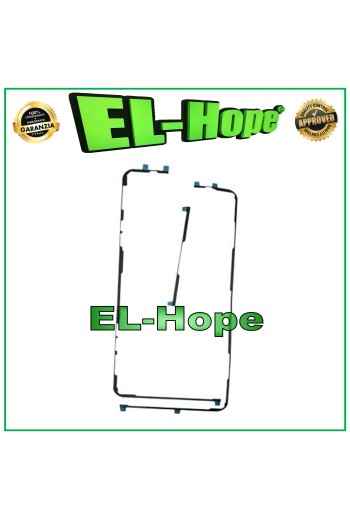
Double-Sided ADHESIVE SEAL FOR FIXING THE LCD DISPLAY OF THE IPAD PRO 12.9 3RD AND 4TH GEN
DOUBLE-SIDED ADHESIVE SEAL FOR FIXING LCD DISPLAY IPAD PRO 12.9 3RD AND 4TH GEN.
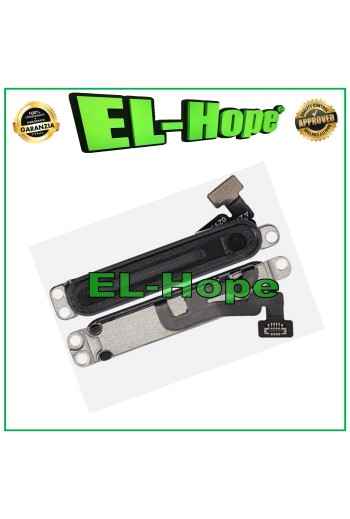
RINGTONE BUZZER FOR APPLE WATCH SERIES 6 40/44 mm SPEAKER SPEAKER HANDS-FREE
RINGTONE BUZZER FOR APPLE WATCH SERIES 6 40 / 44 mm SPEAKER SPEAKER QUALITY A+++
PAIR OF FLAT FLEX DISPLAY FOR MACBOOK PRO 15 821-00690 / 821-00691
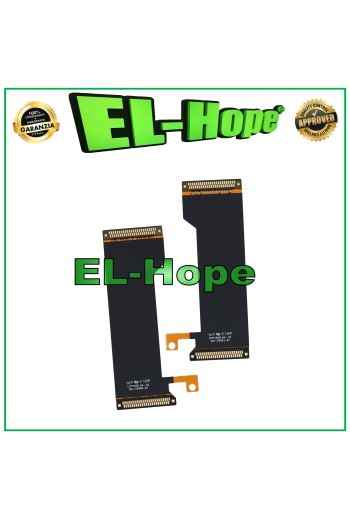
Pair of flat flex cables for connecting the up and lower display board for Samsung Galaxy Z Fold 3 SM-F926, A+++ quality.
TOUCH LCD DISPLAY + FRAME FOR OPPO REALME 9 5G RMX3474 / 9 PRO RMX3471 RMX3472
OLED DISPLAY FOR OPPO REALME X50 PRO TOUCH SCREEN GLASS LCD SCREEN ASSEMBLED
OLED DISPLAY FOR ONEPLUS NORD 5G Z AC2001 AC2003 / 8 NORD 5G LCD TOUCH SCREEN