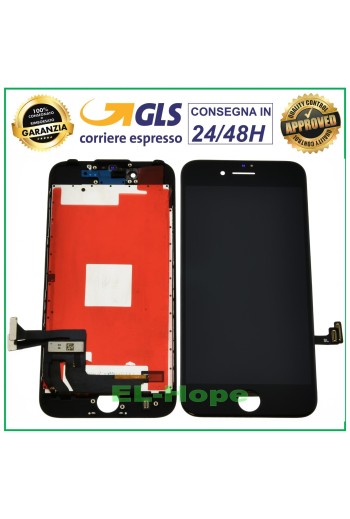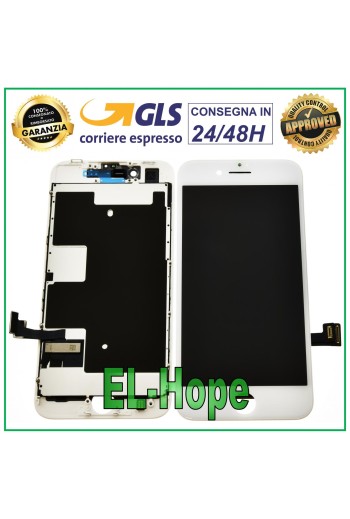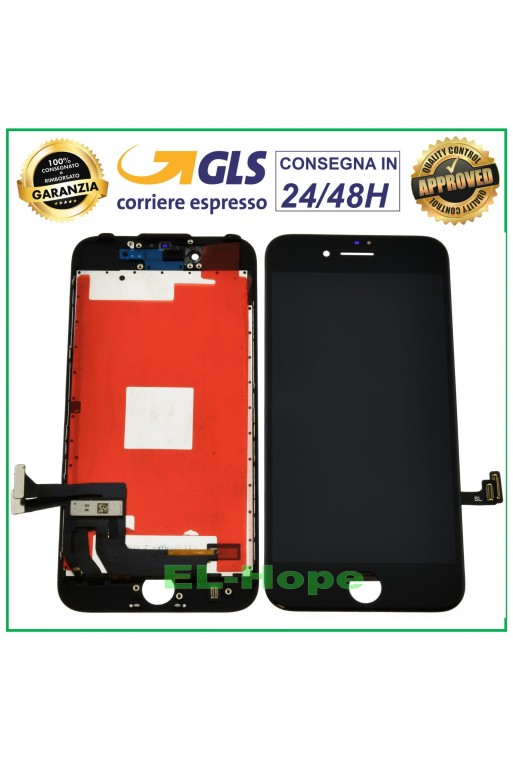















PRODUCT: TOUCH SCREEN + RETINA DISPLAY ASSEMBLED + FRAME AND COMPLETE WITH METAL PLATE FOR APPLE IPHONE 8G - QUALITY EQUAL TO THE ORIGINAL COLOR: WHITE Features and technical specifications: - BRIGHTNESS AND COLORS AS THE ORIGINAL - REACTIVE AND FLUID TOUCH SCREEN - IT IS NOT THE CLASSIC COMMERCIAL IPHONE DISPLAY - THE PRODUCT IS SUITABLE FOR THE MOST DEMANDING CUSTOMERS WHO WANT THE ABSOLUTE BEST BY REPLACING THE DISPLAY - PRE-INSTALLED SUPPORTS AND METAL PLATE - MAXIMUM QUALITY AS THE ORIGINAL - Installation by a professional in the sector is recommended DO NOT REMOVE THE FILMS BEFORE TESTING THE PIECE, TO LOSE THE WARRANTY
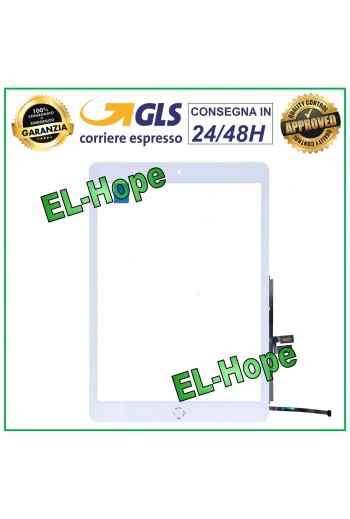
NB: THE HOME BUTTON IN QUESTION DOES NOT PERFORM THE FINGERPRINT UNLOCK FUNCTION. TO KEEP THIS FUNCTION, IT IS NECESSARY TO RECOVER AND USE THE ORIGINAL HOME BUTTON IN POSSESSION AS IT IS CODED WITH THE MAIN BOARD CHIP. NB: THE PRODUCT DOES NOT SUPPORT APPLE PENCIL. TOUCH SCREEN FOR APPLE IPAD 9 / 9TH GENERATION 2021 A2602 A2603 A2604 A2605 COLOR: WHITE HOME BUTTON INCLUDED QUALITY A+++
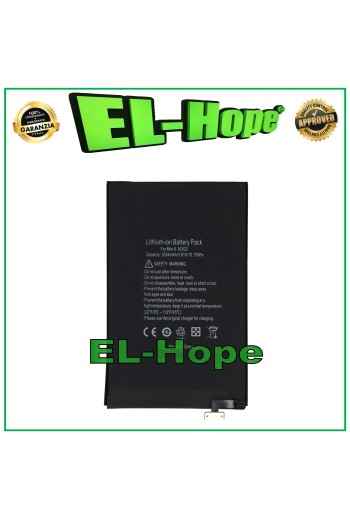
ATTENTION: CHECK THE BATTERY CODE YOU HAVE BEFORE PROCEEDING WITH THE PURCHASE. REPLACEMENT BATTERY A1375 FOR APPLE MACBOOK AIR 11 A1370 5150 mAh 7.4V 36Wh BATTERY CODE: A1375 5150 mAh MACBOOK MODEL: AIR 11 A1370 QUALITY EQUAL TO ORIGINAL
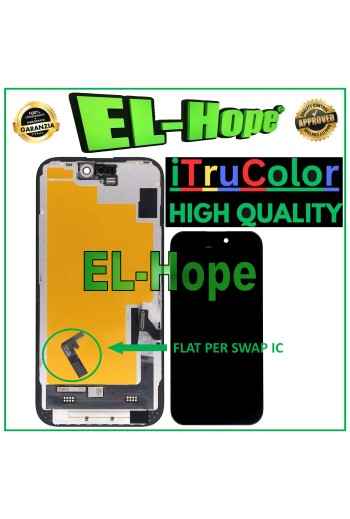
ATTENTION: WITH THE REPLACEMENT PART IN QUESTION IT IS POSSIBLE TO REMOVE THE POP-UP ERROR MESSAGE. IT IS THEREFORE NECESSARY TO MIGRATE THE ORIGINAL IC CHIP FROM THE OLD DISPLAY AND SOLDER IT TO THE FLAT THAT YOU WILL FIND INCLUDED AS HIGHLIGHTED IN THE PHOTO. iTruColor SOFT OLED LCD DISPLAY FOR APPLE IPHONE 15 TOUCH SCREEN GLASS COLOR: BLACK ORIGINAL iTruColor QUALITY Premium High-End SOFT OLED ...USEFUL TIPS TO KNOW... An incorrect installation can easily cause problems with the device, therefore: Remember to correctly connect the light sensor / proximity sensor flat cable to the motherboard; otherwise the device will start to restart automatically for 1-5 minutes. Remember to ALWAYS turn off your mobile phone before replacing and installing the display; Failure to do so may cause touch screen issues or display malfunctions, such as flickering or image artifacts. Once you ve performed all the tests and ensured the replacement part is working properly, remember to remove the protective film from the back of the screen to prevent it from pressing against the display, causing touch screen issues. Remember to disconnect the battery contact before performing any type of repair.