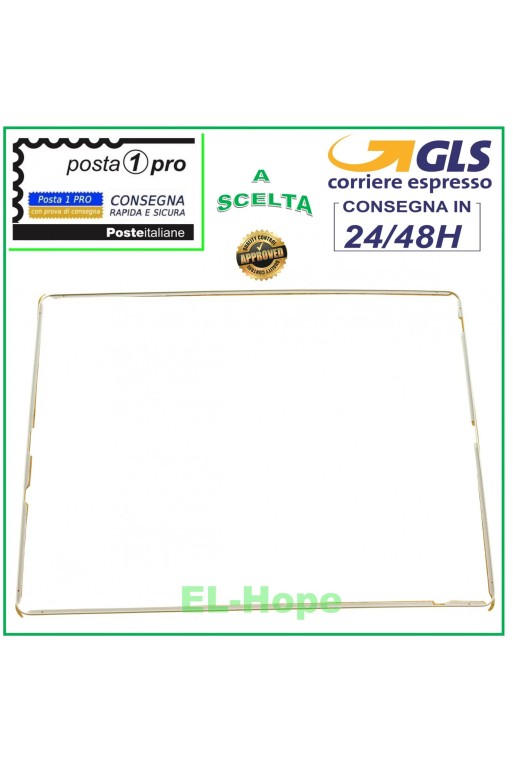
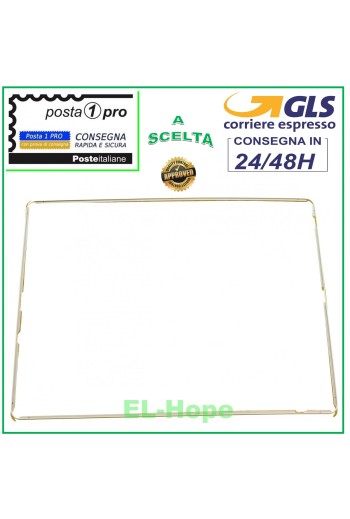
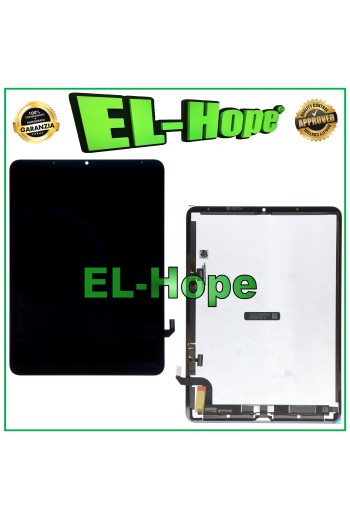
APPLE IPAD 2 A1395 A1396 A1397 WHITE TOUCHSCREEN GLASS FRAME LCD TOUCH FRAME QUALITY A+++ DOUBLE-SIDED ADHESIVE INCLUDED
X1-BIANCO
Specific References
EAN13
9145372636561
Toutes les expéditions sont effectuées par le service de messagerie express GLS :
24/48 heures ouvrables pour la plupart des villes,
72 heures ouvrables pour la Sardaigne et les zones difficiles d’accès.
Les samedis, dimanches et jours fériés ne sont pas comptés comme jours ouvrables.
Toutes les commandes sont traitées dans les 24 heures suivant la confirmation de la commande, et celles passées avant 11h00 sont expédiées le jour même.
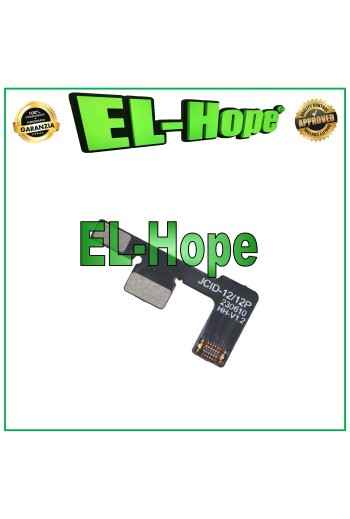
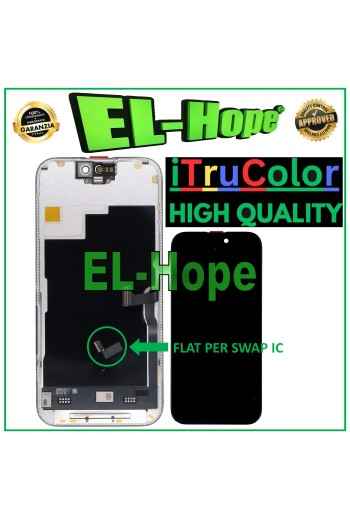
ATTENTION: WITH THE REPLACEMENT PART IN QUESTION IT IS POSSIBLE TO REMOVE THE POP-UP ERROR MESSAGE. IT IS THEREFORE NECESSARY TO MIGRATE THE ORIGINAL IC CHIP FROM THE OLD DISPLAY AND SOLDER IT TO THE FLAT THAT YOU WILL FIND INCLUDED AS HIGHLIGHTED IN THE PHOTO. iTruColor SOFT OLED LCD DISPLAY FOR APPLE IPHONE 15 TOUCH SCREEN GLASS COLOR: BLACK ORIGINAL iTruColor QUALITY Premium High-End SOFT OLED ...USEFUL TIPS TO KNOW... An incorrect installation can easily cause problems with the device, therefore: Remember to correctly connect the light sensor / proximity sensor flat cable to the motherboard; otherwise the device will start to restart automatically for 1-5 minutes. Remember to ALWAYS turn off your mobile phone before replacing and installing the display; Failure to do so may cause touch screen issues or display malfunctions, such as flickering or image artifacts. Once you ve performed all the tests and ensured the replacement part is working properly, remember to remove the protective film from the back of the screen to prevent it from pressing against the display, causing touch screen issues. Remember to disconnect the battery contact before performing any type of repair.
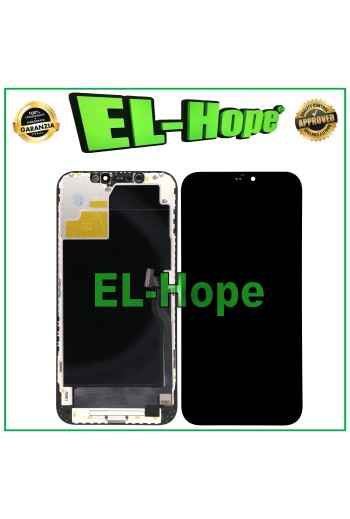
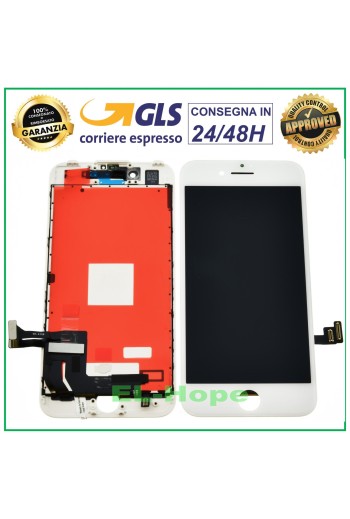
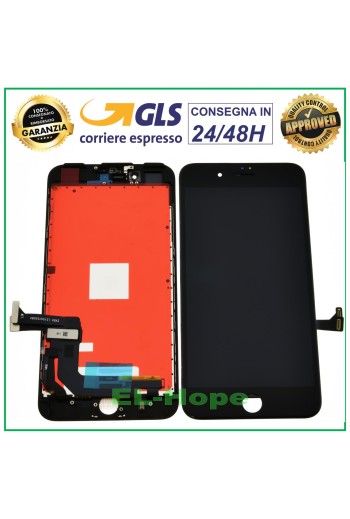
PRODUCT: TOUCH SCREEN + RETINA DISPLAY ASSEMBLED + FRAME AND COMPLETE WITH METAL PLATE FOR APPLE IPHONE 8 PLUS - QUALITY EQUAL TO THE ORIGINAL COLOR: BLACK Features and technical specifications: - BRIGHTNESS AND COLORS AS THE ORIGINAL - REACTIVE AND FLUID TOUCH SCREEN - IT IS NOT THE CLASSIC COMMERCIAL IPHONE DISPLAY - THE PRODUCT IS SUITABLE FOR THE MOST DEMANDING CUSTOMERS WHO WANT THE ABSOLUTE BEST WHEN REPLACING THE DISPLAY - PRE-INSTALLED SUPPORTS AND METAL PLATE - MAXIMUM QUALITY AS THE ORIGINAL - Installation by a professional in the sector is recommended DO NOT REMOVE THE FILMS BEFORE TESTING THE PIECE, TO LOSE THE WARRANTY
TOUCH SCREEN + ASSEMBLED DISPLAY + FRAME FOR APPLE IPHONE 11 PRO MAX COLOR: BLACK ORIGINAL GX OLED QUALITY NB: THE WORDING ORIGINAL MEANS THE GX BRAND OF THE PRODUCT, THEREFORE NOT ORIGINAL APPLE!!
PRODUCT: TOUCH SCREEN + RETINA DISPLAY ASSEMBLED + FRAME AND COMPLETE WITH METAL PLATE FOR APPLE IPHONE 8 PLUS - QUALITY EQUAL TO THE ORIGINAL COLOR: WHITE Features and technical specifications: - BRIGHTNESS AND COLORS AS THE ORIGINAL - REACTIVE AND FLUID TOUCH SCREEN - IT IS NOT THE CLASSIC COMMERCIAL IPHONE DISPLAY - THE PRODUCT IS SUITABLE FOR THE MOST DEMANDING CUSTOMERS WHO WANT THE ABSOLUTE BEST WHEN REPLACING THE DISPLAY - PRE-INSTALLED SUPPORTS AND METAL PLATE - MAXIMUM QUALITY AS THE ORIGINAL - Installation by a professional in the sector is recommended DO NOT REMOVE THE FILMS BEFORE TESTING THE PIECE, TO LOSE THE WARRANTY
BATTERY DIAGNOSTICS ERROR REMOVAL PERCENTAGE CHARGE FOR IPHONE 14 PRO 3200mAh OPEN THE LINK BELOW FOR THE DEMONSTRATION VIDEO. ⬇️ ⬇️ ⬇️ ⬇️ ⬇️ ⬇️ https://www.youtube.com/watch?v=mwL_ev8R56k The battery in question removes the iOS error notification during battery replacement by resetting the charging cycles. The percentage of charge of the new battery can be read again by the iPhone. No transfer of the original chip is required, once the battery has been installed and the procedure described and demonstrated in the video has been followed, the capacity / percentage of charge will be recognized again by the iPhone. The operation does not require any programmer or microsoldering Installation procedure: • Insert the self-diagnosing battery into the device and connect it to the motherboard • Turn on the device using the On/Off button • Connect to a WiFi or GSM network • Go to Settings > General > Info > Parts and service history > Restart and complete the repair • In the Repair and service area, continue the configuration, connect to WiFi and accept the Privacy • Wait for the automatic completion of the configuration: the battery will be recognized correctly • Continue and restart to complete the replacement without error messages and with maximum capacity • Once the installation is complete, in Settings you will find: Battery capacity: 100% Status: Used DO NOT LOSE THE DOUBLE-SIDED ADHESIVES PROVIDED OR DAMAGE THE BLISTER, AS THIS WILL VOID THE WARRANTY.