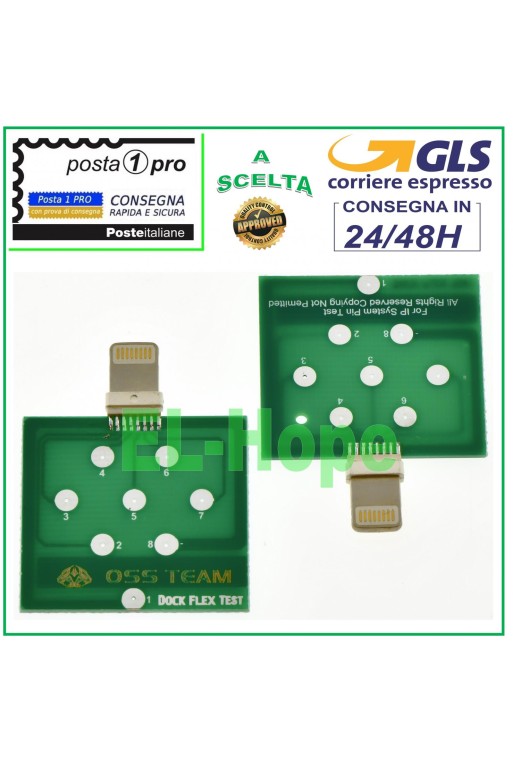
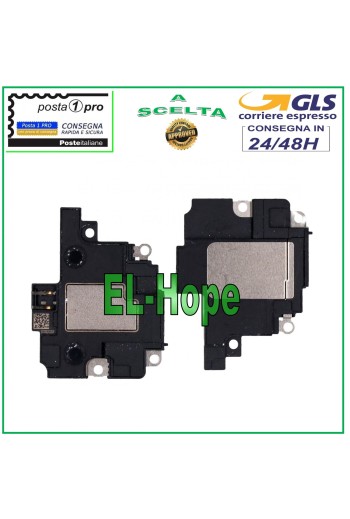
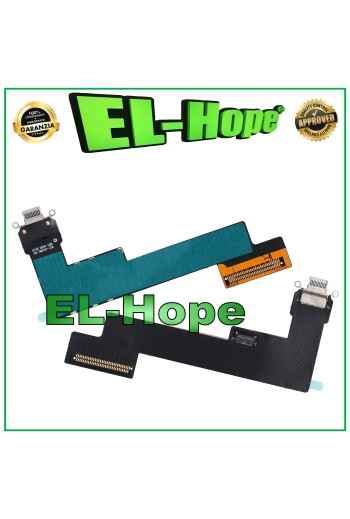
DOCK PCB TEST TESTER U2 TRISTAR BATTERY CHARGER FOR: IPHONE 5 / 5S / 5C IPHONE SE IPHONE 6 / 6S / 6S+ PLUS IPHONE 7 / 7+ PLUS IPHONE 8 / 8+ PLUS
CART-19...BUST-60
Specific References
EAN13
9145372632952
Toutes les expéditions sont effectuées par le service de messagerie express GLS :
24/48 heures ouvrables pour la plupart des villes,
72 heures ouvrables pour la Sardaigne et les zones difficiles d’accès.
Les samedis, dimanches et jours fériés ne sont pas comptés comme jours ouvrables.
Toutes les commandes sont traitées dans les 24 heures suivant la confirmation de la commande, et celles passées avant 11h00 sont expédiées le jour même.
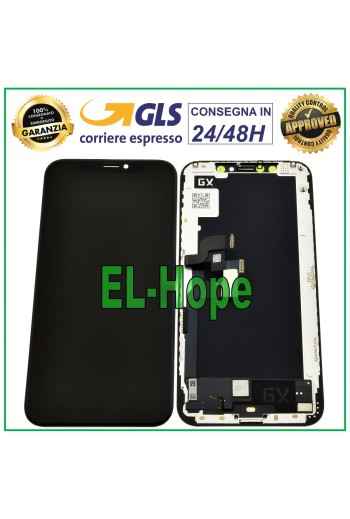
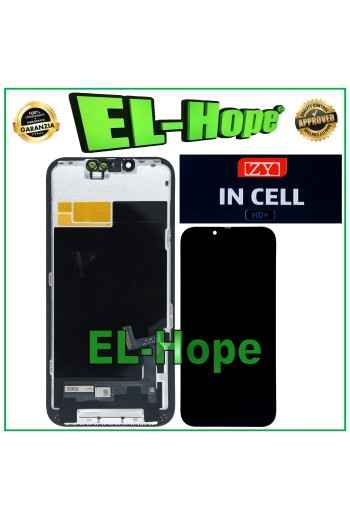
OLED LCD DISPLAY FOR APPLE IPHONE XS A1920 A2097 A2098 TOUCH SCREEN GX SCREEN NB: BY THE WORDING ORIGINAL WE MEANT THE GX BRAND OF THE PRODUCT, THEREFORE NOT ORIGINAL APPLE Technical sheet Compatible Model IPHONE XS Color BLACK Manufacturer Color BLACK Listing Bundle No Brand APPLE Compatible Brand APPLE MPN NOT APPLICABLE Country of Manufacture China Quantity 1 Type Unit of Measure
9D 3D Curved Full Glass Tempered Glass Screen Protector for Apple iPhone 13 - 13 Pro - 14. Ultra-thin 3D FIT technology film for enhanced touch sensitivity. Rounded edges maximize adhesion across the entire LCD panel surface. Transparent - scratch-resistant - shockproof. A+++ Quality.
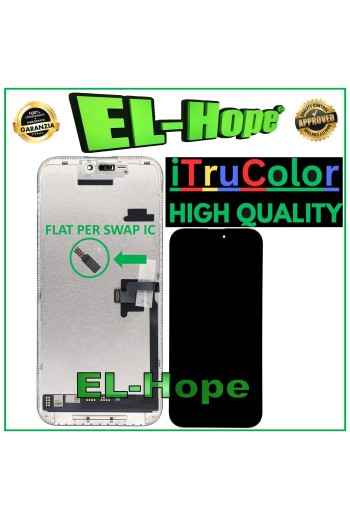
ATTENTION: WITH THE REPLACEMENT PART IN QUESTION IT IS POSSIBLE TO REMOVE THE POP-UP ERROR MESSAGE. IT IS THEREFORE NECESSARY TO MIGRATE THE ORIGINAL IC CHIP FROM THE OLD DISPLAY AND SOLDER IT TO THE FLAT THAT YOU WILL FIND INCLUDED AS HIGHLIGHTED IN THE PHOTO. iTruColor SOFT OLED LCD DISPLAY FOR APPLE IPHONE 16 PRO MAX TOUCH SCREEN GLASS COLOR: BLACK ORIGINAL iTruColor QUALITY Premium High-End SOFT OLED ...USEFUL TIPS TO KNOW... An incorrect installation can easily cause problems with the device, therefore: Remember to correctly connect the light sensor / proximity sensor flat cable to the motherboard; otherwise the device will start to restart automatically for 1-5 minutes.??? Remember to ALWAYS turn off your mobile phone before replacing and installing the display; Failure to do so may cause touch screen issues or display malfunctions, such as flickering or image artifacts. Once you ve performed all the tests and ensured the replacement part is working properly, remember to remove the protective film from the back of the screen to prevent it from pressing against the display, causing touch screen issues. Remember to disconnect the battery contact before performing any type of repair.