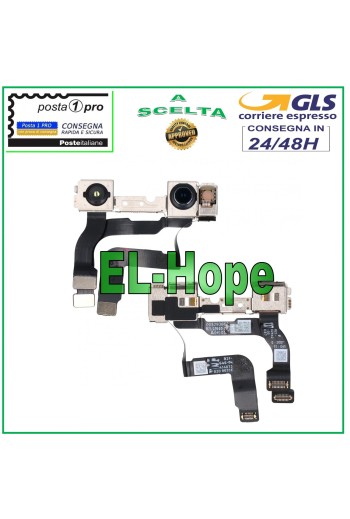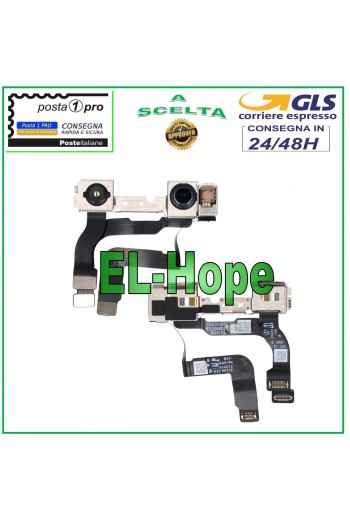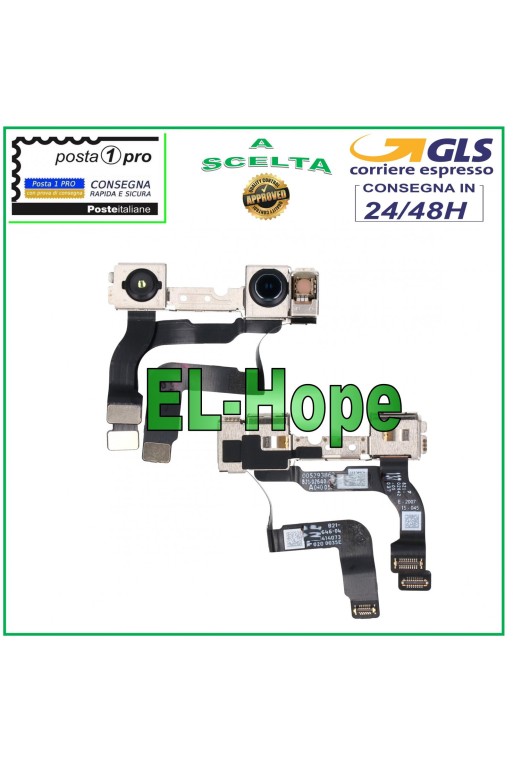















FRONT CAMERA FRONT CAMERA APPLE IPHONE 12 A2172 A2402 A2403 A2404 QUALITY A+++
GAIA-33
Specific References
EAN13
6427201847878
Toutes les expéditions sont effectuées par le service de messagerie express GLS :
24/48 heures ouvrables pour la plupart des villes,
72 heures ouvrables pour la Sardaigne et les zones difficiles d’accès.
Les samedis, dimanches et jours fériés ne sont pas comptés comme jours ouvrables.
Toutes les commandes sont traitées dans les 24 heures suivant la confirmation de la commande, et celles passées avant 11h00 sont expédiées le jour même.
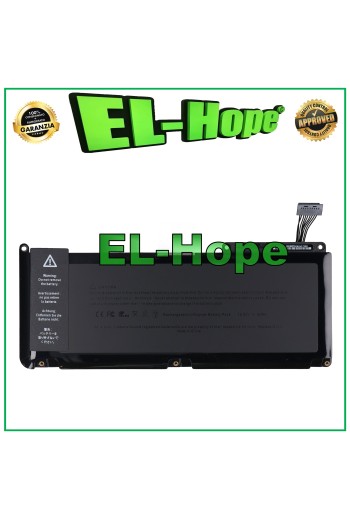
ATTENTION: CHECK THE BATTERY CODE YOU HAVE BEFORE PROCEEDING WITH THE PURCHASE. REPLACEMENT BATTERY A1331 FOR APPLE MACBOOK 13 2009 2010 A1342 5200 mAh BATTERY CODE: A1331 5200 mAh MACBOOK MODEL: 13 2009 2010 A1342 QUALITY EQUAL TO ORIGINAL
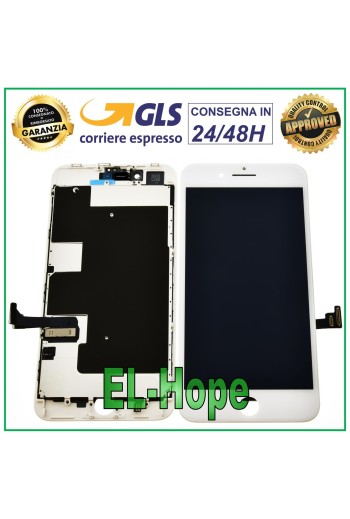
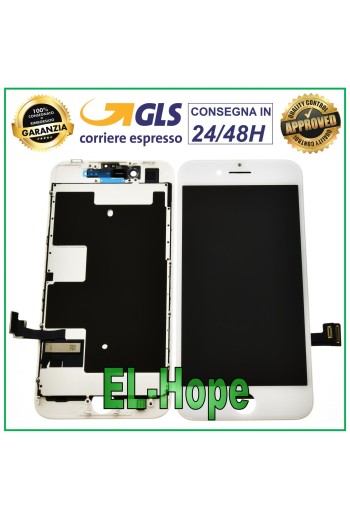
PRODUCT: TOUCH SCREEN + RETINA DISPLAY ASSEMBLED + FRAME AND COMPLETE WITH METAL PLATE FOR APPLE IPHONE 8 PLUS - QUALITY EQUAL TO THE ORIGINAL COLOR: WHITE Features and technical specifications: - BRIGHTNESS AND COLORS AS THE ORIGINAL - REACTIVE AND FLUID TOUCH SCREEN - IT IS NOT THE CLASSIC COMMERCIAL IPHONE DISPLAY - THE PRODUCT IS SUITABLE FOR THE MOST DEMANDING CUSTOMERS WHO WANT THE ABSOLUTE BEST WHEN REPLACING THE DISPLAY - PRE-INSTALLED SUPPORTS AND METAL PLATE - MAXIMUM QUALITY AS THE ORIGINAL - Installation by a professional in the sector is recommended DO NOT REMOVE THE FILMS BEFORE TESTING THE PIECE, TO LOSE THE WARRANTY
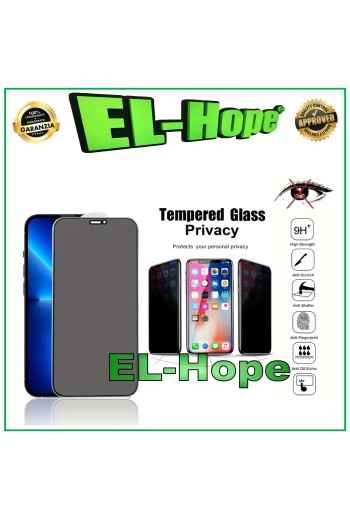
9D 3D CURVED FULL GLASS TEMPERED GLASS PROTECTIVE FILM FOR APPLE IPHONE XS MAX - 11 PRO MAX. Ultra-thin 3D FIT technology film for greater touch sensitivity. Rounded edges maximize adhesion across the entire surface of the LCD panel. Transparent - scratch-resistant - shockproof. A+++ QUALITY
NB: PRODUCT NOT COMPATIBLE WITH THE LTE VERSION. FLAT FLEX FORCE TOUCH SENSOR MODULE FOR APPLE SMARTWATCH WATCH SERIES 3 GPS 38MM COLOR: BLACK QUALITY A+++
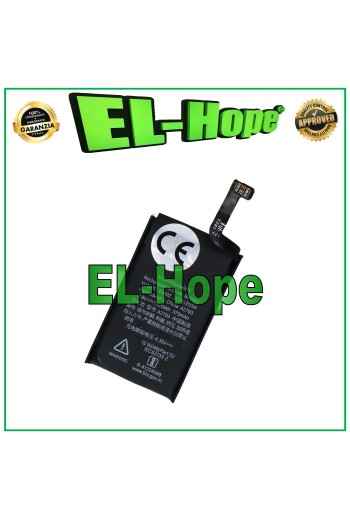
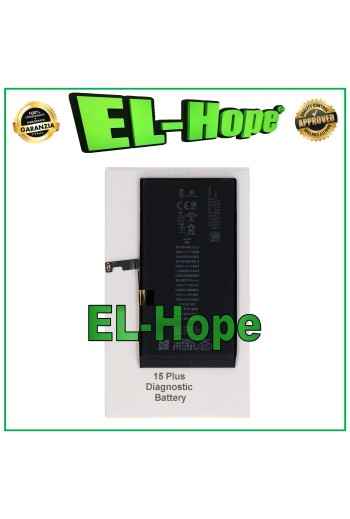
BATTERY DIAGNOSTICS ERROR REMOVAL PERCENTAGE CHARGE FOR IPHONE 15 PLUS 4383 mAh OPEN THE LINK BELOW FOR THE DEMONSTRATION VIDEO. ⬇️ ⬇️ ⬇️ ⬇️ ⬇️ ⬇️ https://www.youtube.com/watch?v=mwL_ev8R56k The battery in question removes the iOS error notification during battery replacement by resetting the charging cycles. The percentage of charge of the new battery can be read again by the iPhone. No transfer of the original chip is required, once the battery has been installed and the procedure described and demonstrated in the video has been followed, the capacity / percentage of charge will be recognized again by the iPhone. The operation does not require any programmer or microsoldering Installation procedure: • Insert the self-diagnosing battery into the device and connect it to the motherboard • Turn on the device using the On/Off button • Connect to a WiFi or GSM network • Go to Settings > General > Info > Parts and service history > Restart and complete the repair • In the Repair and service area, continue the configuration, connect to WiFi and accept the Privacy • Wait for the automatic completion of the configuration: the battery will be recognized correctly • Continue and restart to complete the replacement without error messages and with maximum capacity • Once the installation is complete, in Settings you will find: Battery capacity: 100% Status: Used DO NOT LOSE THE DOUBLE-SIDED ADHESIVES PROVIDED OR DAMAGE THE BLISTER, AS THIS WILL VOID THE WARRANTY.