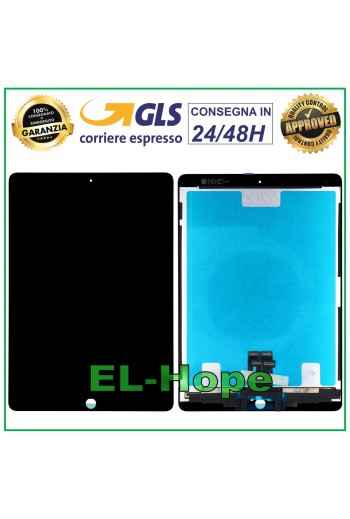
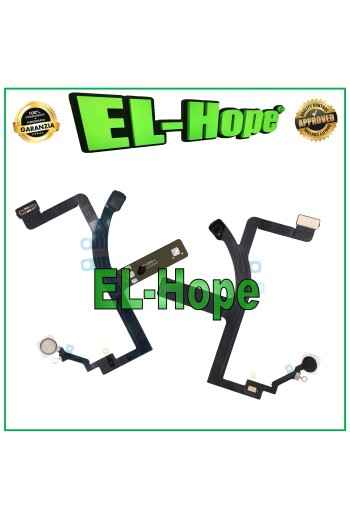
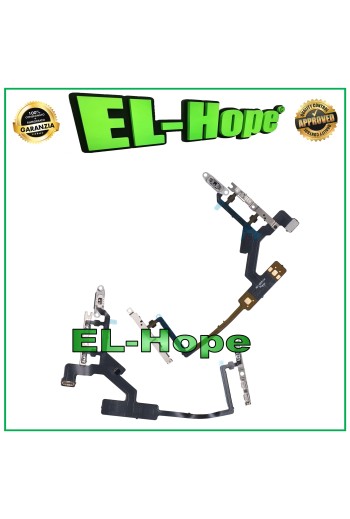
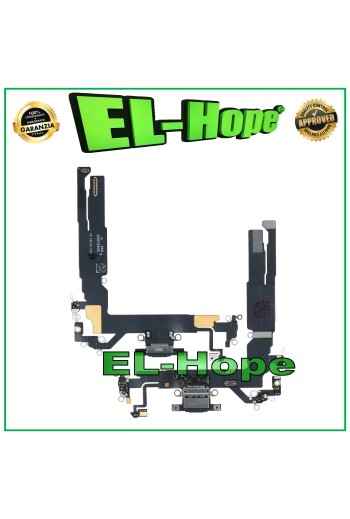
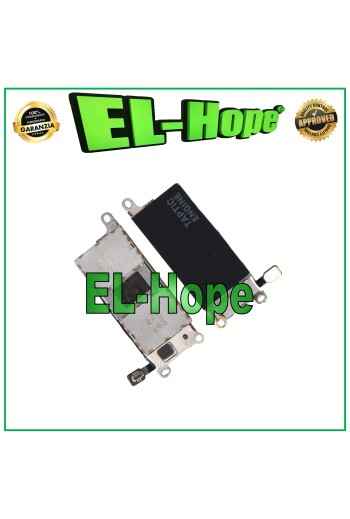
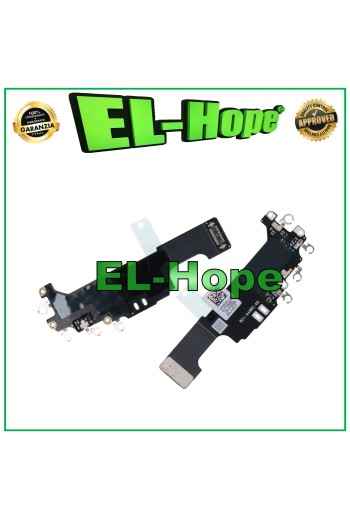
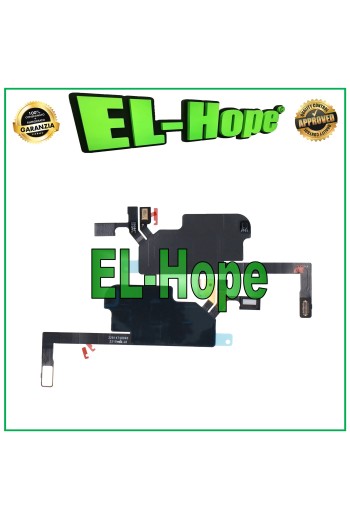
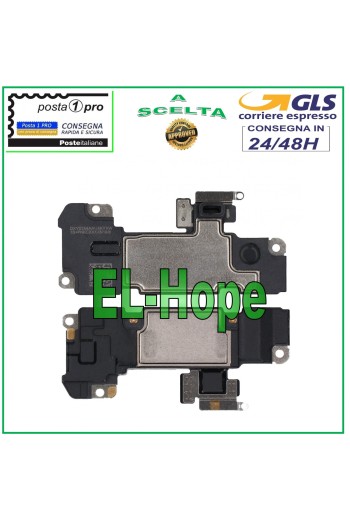
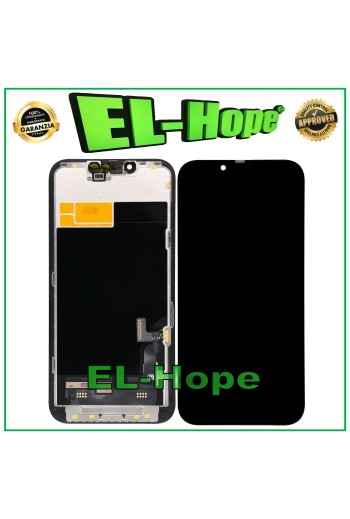
iTruColor SOFT OLED PREMIUM LCD DISPLAY FOR APPLE IPHONE 17E TOUCH SCREEN GLASS
ATTENTION: WITH THE REPLACEMENT PART IN QUESTION IT IS POSSIBLE TO REMOVE THE POP-UP ERROR MESSAGE. IT IS THEREFORE NECESSARY TO MIGRATE THE ORIGINAL IC CHIP FROM THE OLD DISPLAY iTruColor SOFT OLED PREMIUM LCD DISPLAY FOR APPLE IPHONE 17E TOUCH SCREEN COLOR: BLACK ORIGINAL iTruColor HIGH-END QUALITY SOFT OLED ...USEFUL TIPS TO KNOW... An incorrect installation can easily cause problems with the device, therefore: Remember to correctly connect the light sensor / proximity sensor flat cable to the motherboard; otherwise the device will start to restart automatically for 1-5 minutes. Remember to ALWAYS turn off your mobile phone before replacing and installing the display; failing to do so could cause touch problems or display malfunctions such as flickering or image artifacts. Once you ve run all the tests and ensured the replacement part is working properly, remember to remove the protective film from the back of the screen to prevent it from pressing against the display, causing touch problems. Remember to disconnect the battery contact before performing any type of intervention.
100% secure purchases and payments
Paypal and credit card compatible circuits
Shipping within 24/48 working hours
Orders received before 3 p.m. will be processed the same day.
ATTENTION: WITH THE REPLACEMENT PART IN QUESTION IT IS POSSIBLE TO REMOVE THE POP-UP ERROR MESSAGE. IT IS THEREFORE NECESSARY TO MIGRATE THE ORIGINAL IC CHIP FROM THE OLD DISPLAY iTruColor SOFT OLED PREMIUM LCD DISPLAY FOR APPLE IPHONE 17E TOUCH SCREEN COLOR: BLACK ORIGINAL iTruColor HIGH-END QUALITY SOFT OLED ...USEFUL TIPS TO KNOW... An incorrect installation can easily cause problems with the device, therefore: Remember to correctly connect the light sensor / proximity sensor flat cable to the motherboard; otherwise the device will start to restart automatically for 1-5 minutes. Remember to ALWAYS turn off your mobile phone before replacing and installing the display; failing to do so could cause touch problems or display malfunctions such as flickering or image artifacts. Once you ve run all the tests and ensured the replacement part is working properly, remember to remove the protective film from the back of the screen to prevent it from pressing against the display, causing touch problems. Remember to disconnect the battery contact before performing any type of intervention.
TRAPPETO-1._1
Specific References
EAN13
7424647149190
Toutes les expéditions sont effectuées par le service de messagerie express GLS :
24/48 heures ouvrables pour la plupart des villes,
72 heures ouvrables pour la Sardaigne et les zones difficiles d’accès.
Les samedis, dimanches et jours fériés ne sont pas comptés comme jours ouvrables.
Toutes les commandes sont traitées dans les 24 heures suivant la confirmation de la commande, et celles passées avant 11h00 sont expédiées le jour même.
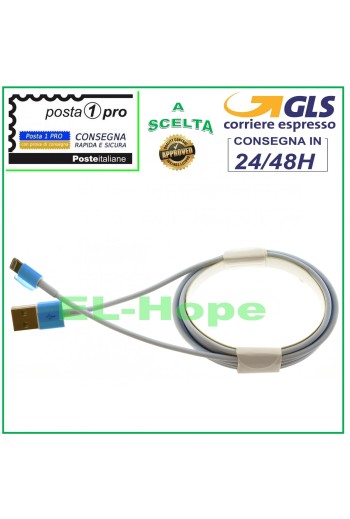
DATA CABLE CHARGING CABLE FOR APPLE IPHONE LIGHTNING 2 METERS WHITE Suitable for the following models: APPLE IPHONE 5 APPLE IPHONE 5C APPLE IPHONE 5S APPLE IPHONE SE APPLE IPHONE 6 APPLE IPHONE 6 PLUS APPLE IPHONE 6S APPLE IPHONE 6S PLUS APPLE IPHONE 7 APPLE IPHONE 7 PLUS APPLE IPHONE 8 APPLE IPHONE 8 PLUS APPLE IPHONE X APPLE IPHONE XS / XS MAX APPLE IPHONE XR / XR MAX APPLE IPAD MINI APPLE IPAD MINI 2 APPLE IPAD MINI 3 APPLE IPAD MINI 4 APPLE IPAD 4 APPLE IPAD 5 APPLE IPAD AIR APPLE IPAD AIR 2 APPLE IPAD PRO 12.9 APPLE IPAD PRO 11 APPLE IPAD PRO 10.5
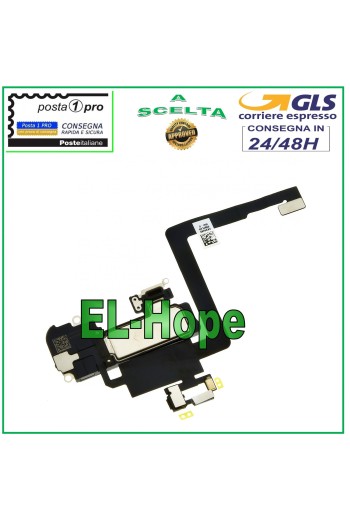
FLAT PROXIMITY SENSOR FOR APPLE IPHONE 11 PRO MAX SPEAKER FLEX MICROPHONE NOTE: WITH THIS REPLACEMENT PART THE FACE ID DOES NOT WORK - COMPATIBLE REPLACEMENT PART QUALITY A+++
NB: WITH THE REPLACEMENT PART IN QUESTION THE PROXIMITY SENSOR TOUCH SCREEN + ASSEMBLED DISPLAY + FRAME FOR APPLE IPHONE 13 DOES NOT WORK. COLOR: BLACK COMPLETE REPLACEMENT WITH METAL FRAME HD+ QUALITY INCELL ...USEFUL TIPS TO KNOW... ?An incorrect installation can easily cause problems with the device, therefore: Remember to correctly connect the light sensor / proximity sensor flat cable to the motherboard; otherwise the device will start to restart automatically for 1-5 minutes.??? Remember to ALWAYS turn off your mobile phone before replacing and installing the display; not doing so could cause touch problems or display malfunctions such as flickering or image artifacts. Remember, once you have carried out all the tests and made sure that the replacement part works correctly, remove the protective film on the back of the screen to prevent it from pressing against the display, causing touch problems. Remember to disconnect the battery contact before carrying out any type of intervention.
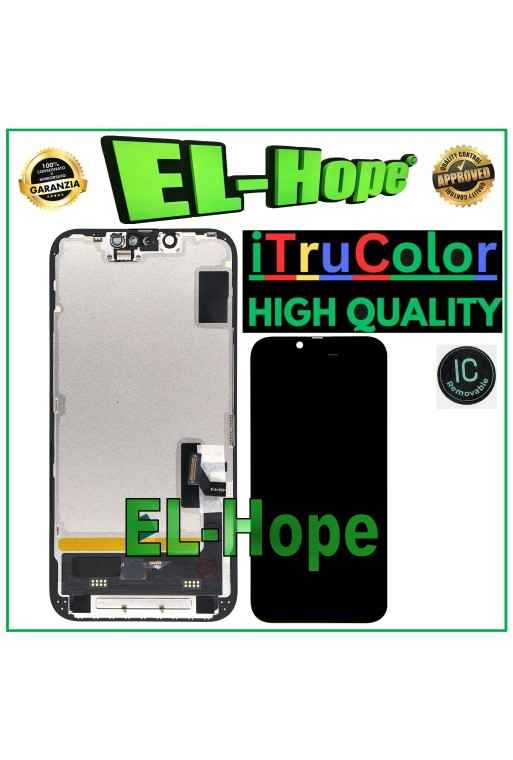
ATTENTION: WITH THE REPLACEMENT PART IN QUESTION IT IS POSSIBLE TO REMOVE THE POP-UP ERROR MESSAGE. IT IS THEREFORE NECESSARY TO MIGRATE THE ORIGINAL IC CHIP FROM THE OLD DISPLAY iTruColor SOFT OLED PREMIUM LCD DISPLAY FOR APPLE IPHONE 17E TOUCH SCREEN COLOR: BLACK ORIGINAL iTruColor HIGH-END QUALITY SOFT OLED ...USEFUL TIPS TO KNOW... An incorrect installation can easily cause problems with the device, therefore: Remember to correctly connect the light sensor / proximity sensor flat cable to the motherboard; otherwise the device will start to restart automatically for 1-5 minutes. Remember to ALWAYS turn off your mobile phone before replacing and installing the display; failing to do so could cause touch problems or display malfunctions such as flickering or image artifacts. Once you ve run all the tests and ensured the replacement part is working properly, remember to remove the protective film from the back of the screen to prevent it from pressing against the display, causing touch problems. Remember to disconnect the battery contact before performing any type of intervention.




.svg)












.svg)


 100% secure purchases and payments
 Shipping within 24/48 working hours
 Customer service before and after the sale