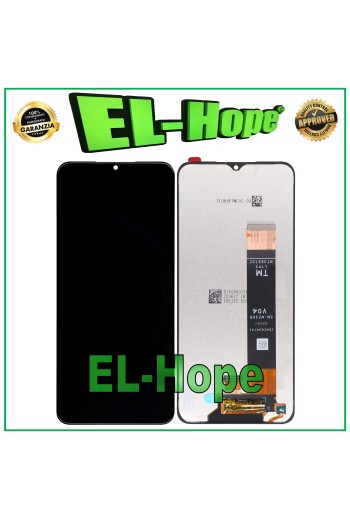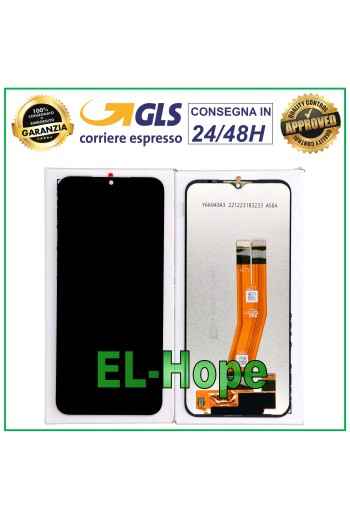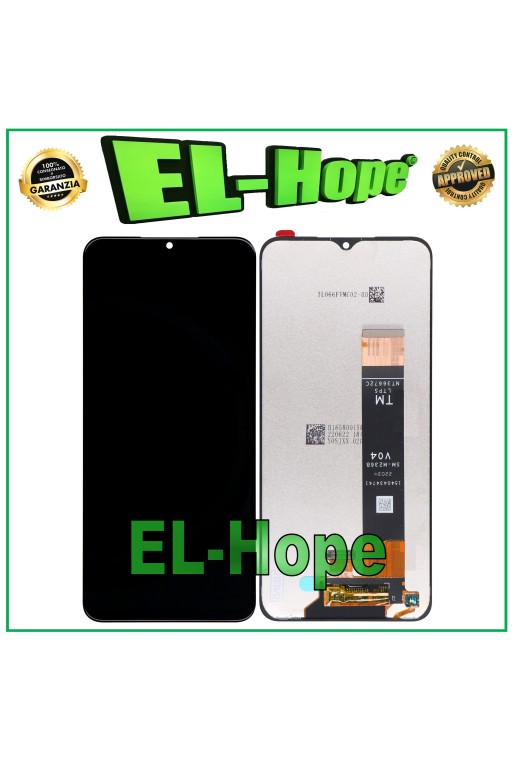















LCD DISPLAY + TOUCH SCREEN FOR SAMSUNG GALAXY A13 4G 2022 SM A135 F/M GLASS
NB: THERE ARE 2 DIFFERENT VERSIONS OF THE PRODUCT IN QUESTION, CHECK THE FLAT CODE BEFORE PROCEEDING WITH THE PURCHASE. LCD DISPLAY + TOUCH SCREEN FOR SAMSUNG GALAXY A13 4G 2022 SM A135 F/M GLASS COLOR: BLACK QUALITY A+++
100% secure purchases and payments
Paypal and credit card compatible circuits
Shipping within 24/48 working hours
Orders received before 3 p.m. will be processed the same day.
NB: THERE ARE 2 DIFFERENT VERSIONS OF THE PRODUCT IN QUESTION, CHECK THE FLAT CODE BEFORE PROCEEDING WITH THE PURCHASE. LCD DISPLAY + TOUCH SCREEN FOR SAMSUNG GALAXY A13 4G 2022 SM A135 F/M GLASS COLOR: BLACK QUALITY A+++
Toutes les expéditions sont effectuées par le service de messagerie express GLS :
24/48 heures ouvrables pour la plupart des villes,
72 heures ouvrables pour la Sardaigne et les zones difficiles d’accès.
Les samedis, dimanches et jours fériés ne sont pas comptés comme jours ouvrables.
Toutes les commandes sont traitées dans les 24 heures suivant la confirmation de la commande, et celles passées avant 11h00 sont expédiées le jour même.
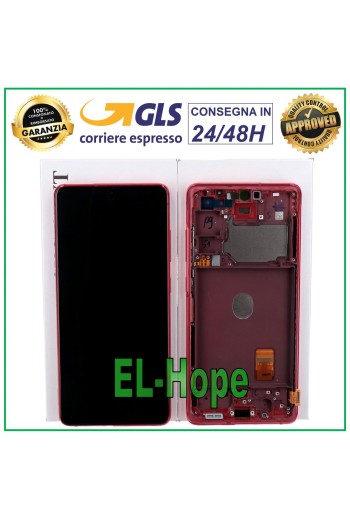
TOUCH SCREEN + LCD DISPLAY ASSEMBLED 100% ORIGINAL SAMSUNG GALAXY S20 FE 2020 SM-G780F - 100% ORIGINAL WITH FRAME FRAME IN SERVICE PACK COLOR: CLOUD RED - RED Features and technical specifications: - OLED screen - Perfect fit digitizing flex - Anti-dust net - Specific for Samsung GALAXY S20 FE 2020 SM-G780F - 100% ORIGINAL product IN SERVICE PACK - Backlighting: ADJUSTABLE - Installation by a professional in the sector is recommended DO NOT REMOVE THE FILMS BEFORE TESTING THE PIECE, PENALTY WILL LOSE THE WARRANTY
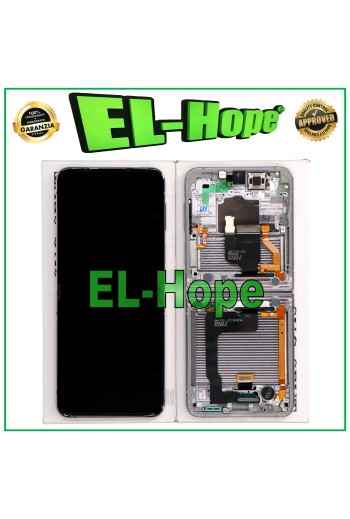
TOUCH SCREEN + LCD DISPLAY ASSEMBLED 100% ORIGINAL SAMSUNG GALAXY Z FLIP 4 5G SM-F721B - 100% ORIGINAL COMPLETE WITH FRAME FRAME IN SERVICE PACK COLOR: SILVER - WHITE INNER - WHITE Features and technical specifications: - OLED screen + FRAME - Perfect fit digitizing flex - Anti-dust net - Specific for Samsung GALAXY Z FLIP 4 5G SM-F721B - 100% ORIGINAL product IN SERVICE PACK - Backlighting: ADJUSTABLE - Installation by a professional is recommended DO NOT REMOVE THE FILMS BEFORE TESTING THE PART, TO THE PENALTY OF LOSS OF WARRANTY Replacing the screen of the Samsung Z Flip and Z Fold is a delicate operation that requires professional expertise. These models are intended for professionals specifically trained on these devices. If you experience persistent difficulties, we recommend contacting an authorized Samsung service center for comprehensive assistance. Flip/Fold 4: Black screen after replacement If the screen remains black after replacement, follow these steps: Remove the magnet Locate the magnet located at the top of the motherboard, near the camera, and remove it. Demagnetize the magnet Use ceramic tweezers to demagnetize the magnet. A specific product such as the Jakemy JM-X3 is recommended for this operation. Replace the magnet Replace the magnet in the correct direction: the red line must be horizontal and the catch positioned at the top right. Flip/Fold 5: Black screen after replacement If the screen remains black on these models, follow these steps: Start with a magnet Place a magnet in the upper right corner of the device (side of the body) and turn on the phone. Go to the call section and dial #0#. Access the test menu Once in the test menu, access the ALL IC section. Then remove the magnet and reinsert it. After this operation, the device will remain on without the magnet. Recalibration using the Samsung app: Open the Samsung Shop and download the Samsung Self Repair app. Follow the instructions to indicate that the screen has been replaced. This operation recalibrates the Hall effect sensor and resolves the issue for future startups. Finalize the repair: Once the procedure is complete and validated, restart the device. The issue should be resolved. Recommendation: These operations require great precision and specific skills. If you encounter any difficulties or need assistance, we encourage you to contact an authorized Samsung service center to ensure a compliant repair.
ATTENTION: PRODUCT NOT COMPATIBLE WITH THE 5G VERSION. TOUCH SCREEN + LCD DISPLAY ASSEMBLED PARI ORIGINAL IN SERVICE PACK SAMSUNG GALAXY A14 4G 2023 SM-A145R SM-A145P COLOR: BLACK Features and technical specifications: - PARI ORIGINAL screen - Perfect fit digitization flex - Anti-dust net - Specific for Samsung GALAXY A14 4G 2023 SM-A145R SM-A145P - PARI ORIGINAL product IN SERVICE PACK - Backlighting: ADJUSTABLE - Installation by a professional in the sector is recommended
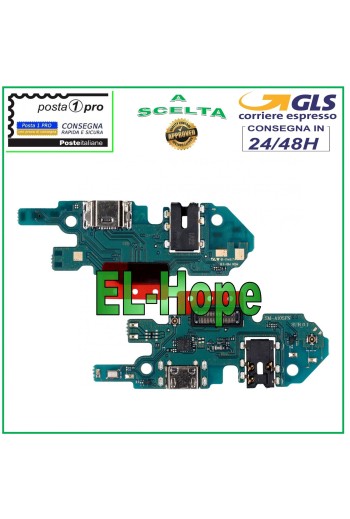
CHARGING CONNECTOR SAMSUNG GALAXY A10 SM-A105 SUB_0.1 USB CHARGING MICROPHONE NB: BEFORE PROCEEDING WITH THE PURCHASE CHECK THE VERSION OF THE CHARGING PCB IN YOUR POSSESSION. QUALITY A+++
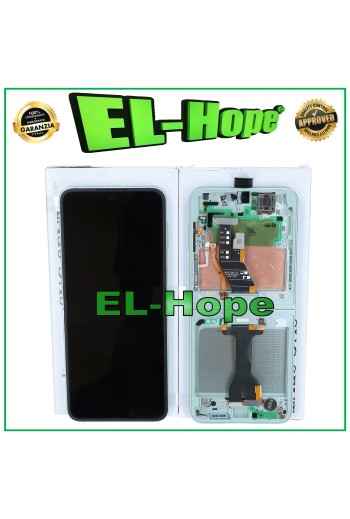
TOUCH SCREEN + LCD DISPLAY ASSEMBLED 100% ORIGINAL SAMSUNG GALAXY Z FLIP 6 5G SM-F741B - 100% ORIGINAL COMPLETE WITH FRAME IN SERVICE PACK COLOR: GREEN - MINT INNER Features and technical specifications: - OLED screen - Perfect fit digitizing flex - Anti-dust net - Specific for Samsung GALAXY Z FLIP 6 5G SM-F741B - 100% ORIGINAL product IN SERVICE PACK - Backlighting: ADJUSTABLE - Installation by a professional is recommended DO NOT REMOVE THE FILMS BEFORE TESTING THE PART, TO THE PENALTY OF LOSS OF WARRANTY Replacing the screen of the Samsung Z Flip and Z Fold is a delicate operation that requires professional expertise. These models are intended for professionals specifically trained on these devices. If you experience persistent difficulties, we recommend contacting an authorized Samsung service center for comprehensive assistance. Flip/Fold 4: Black screen after replacement If the screen remains black after replacement, follow these steps: Remove the magnet Locate the magnet located at the top of the motherboard, near the camera, and remove it. Demagnetize the magnet Use ceramic tweezers to demagnetize the magnet. A specific product such as the Jakemy JM-X3 is recommended for this operation. Replace the magnet Replace the magnet in the correct direction: the red line must be horizontal and the catch positioned at the top right. Flip/Fold 5: Black screen after replacement If the screen remains black on these models, follow these steps: Start with a magnet Place a magnet in the upper right corner of the device (side of the body) and turn on the phone. Go to the call section and dial #0#. Access the test menu Once in the test menu, access the ALL IC section. Then remove the magnet and reinsert it. After this operation, the device will remain on without the magnet. Recalibration using the Samsung app: Open the Samsung Shop and download the Samsung Self Repair app. Follow the instructions to indicate that the screen has been replaced. This operation recalibrates the Hall effect sensor and resolves the issue for future startups. Finalize the repair: Once the procedure is complete and validated, restart the device. The issue should be resolved. Recommendation: These operations require great precision and specific skills. If you encounter any difficulties or need assistance, we encourage you to contact an authorized Samsung service center to ensure a compliant repair.
NB: THE SAMSUNG GALAXY FOLD SM-F900 F HAS TWO DIFFERENT BATTERIES, CHECK THE BATTERY YOU WANT BEFORE PROCEEDING WITH THE PURCHASE. ORIGINAL SERVICE BATTERY SAMSUNG GALAXY FOLD SM-F900 F EB-BF900ABU 2245 mAh
NB: THERE ARE 2 DIFFERENT VERSIONS OF THE PRODUCT IN QUESTION, CHECK THE FLAT CODE BEFORE PROCEEDING WITH THE PURCHASE. LCD DISPLAY + TOUCH SCREEN FOR SAMSUNG GALAXY A13 4G 2022 SM A135 F/M GLASS COLOR: BLACK QUALITY A+++